Header Banner
WonderHowTo Logo
WonderHowTo
wonderhowto.mark.png
Gadget Hacks Next Reality Food Hacks Null Byte The Secret Yumiverse Invisiverse Macgyverisms Mind Hacks Mad Science Lock Picking Driverless

WonderHowTo: Page 802

How to Use the Slate material editor in 3ds Max 2011 cover
3D modeling in software with blue and red shapes on a grid background.
How to Create template-based web pages in Dreamweaver CS5 cover
A pair of hands presenting a purple origami bird.
Heated seat control button in a car interior.
Dashboard display showing navigation information, including distance and direction.
Command prompt window displayed on a desktop with file directories visible.
3D modeling software interface showing material and texture options.
Hand holding a blue circular object with a mesh center, surrounded by colorful caps and crafting materials.
3D modeling software interface with menu options and keyboard shortcuts displayed.
3D modeling software interface with grid and settings panel.
3D modeling software interface displaying a sky environment and editing tools.
3D modeling interface in Maya showing wireframe and settings adjustment.
Anatomical illustration of the human head and neck.
3D anatomical model of human muscles and skeletal structure.
"Text discussing environmentally conscious design principles."
Screenshot of a web design interface with options for editing settings.
File selection window in a computer interface.
How to Convert old databases in Microsoft Access 2007 format cover
Woman in a red jacket standing in a modern kitchen.
Database form interface displaying empty fields for entry.
Create new template dialog box in Microsoft software.
How to Use the Backstage view in Microsoft Access 2010 cover
Add Web Parts to Right Panel in SharePoint Interface
Error message dialog box in a web browser.
Person assembling or repairing a ceiling fan with tools and materials on a table.
Screenshot of a web application interface displaying site theme options.
Man installing a ceiling fan.
How to Manage documents in Microsoft SharePoint 2010 cover
Screenshot of a website dashboard with a yellow background and navigation options.
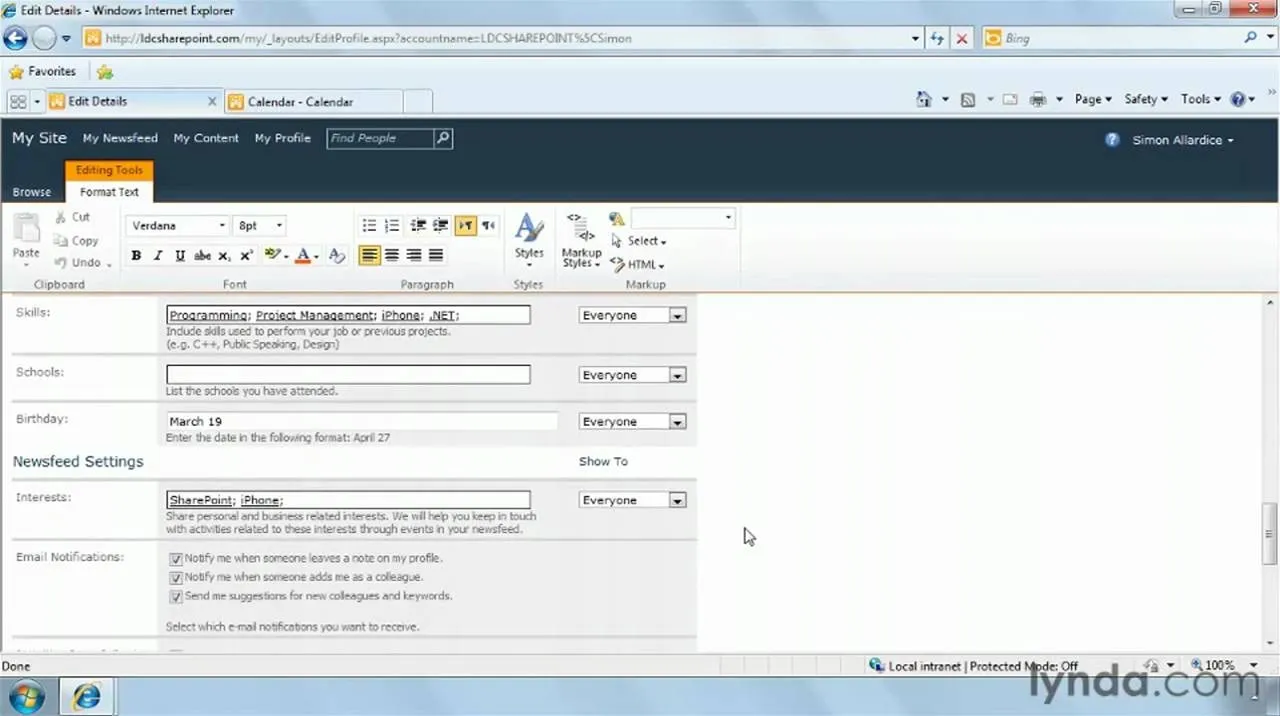
How to Use SharePoint 2010's social computing functionalities cover
Calendar view displaying scheduled events and tasks.
A hand holding a paint scraper against a plain wall.
Instructor presenting a lesson on a digital screen.
Damaged window frame with exposed wood and insulation.
How to Crop digital images in Microsoft PowerPoint 2010 cover
How to Use the new presentation themes in MS PowerPoint 2010 cover
Sales information presentation slide with a green theme and magnifying glass graphic.
Cleaning a toilet with a scrub brush.
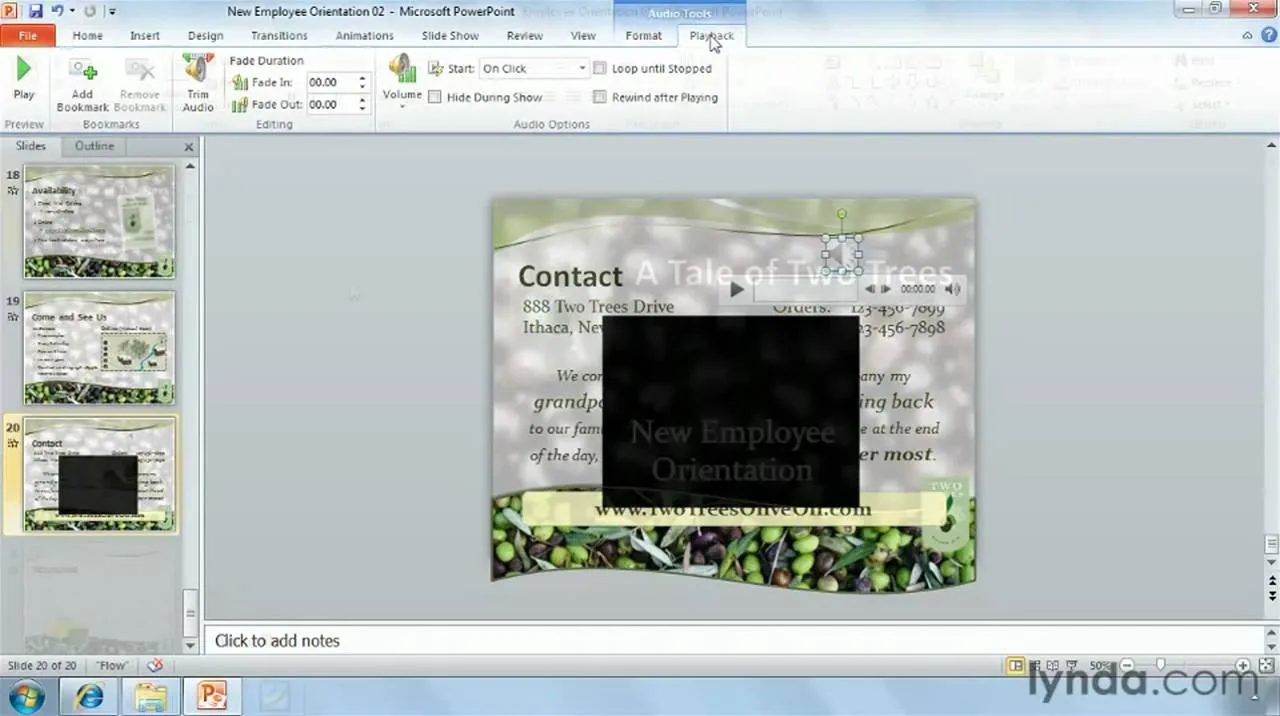
How to Use the MS Office Ribbon interface in PowerPoint 2010 cover