

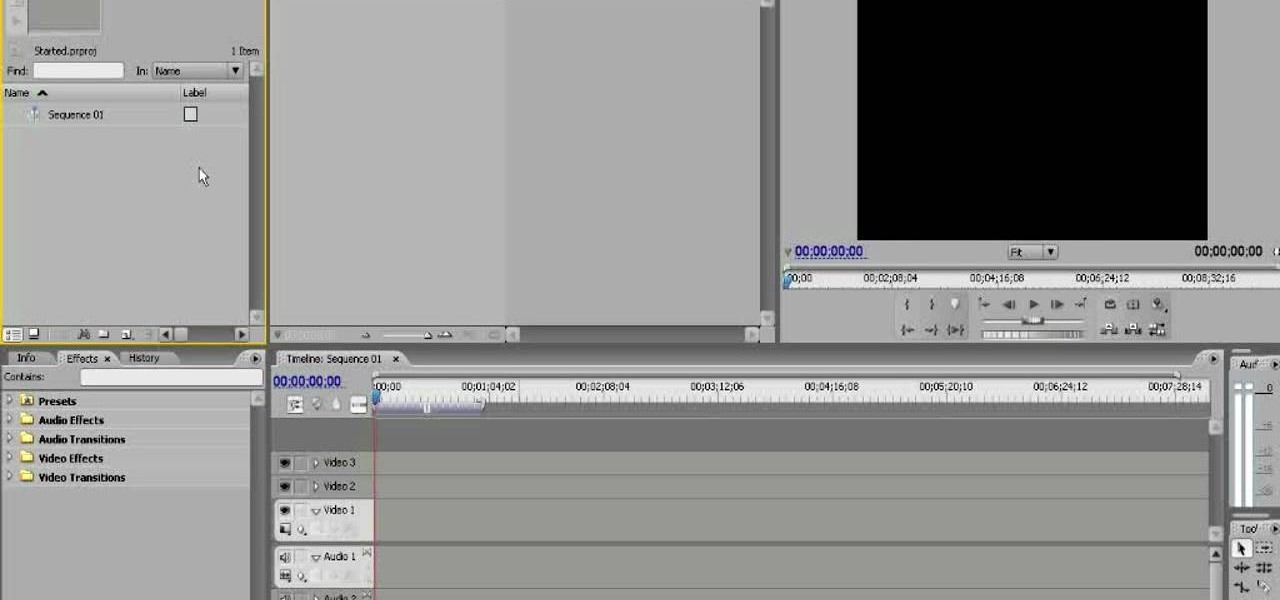
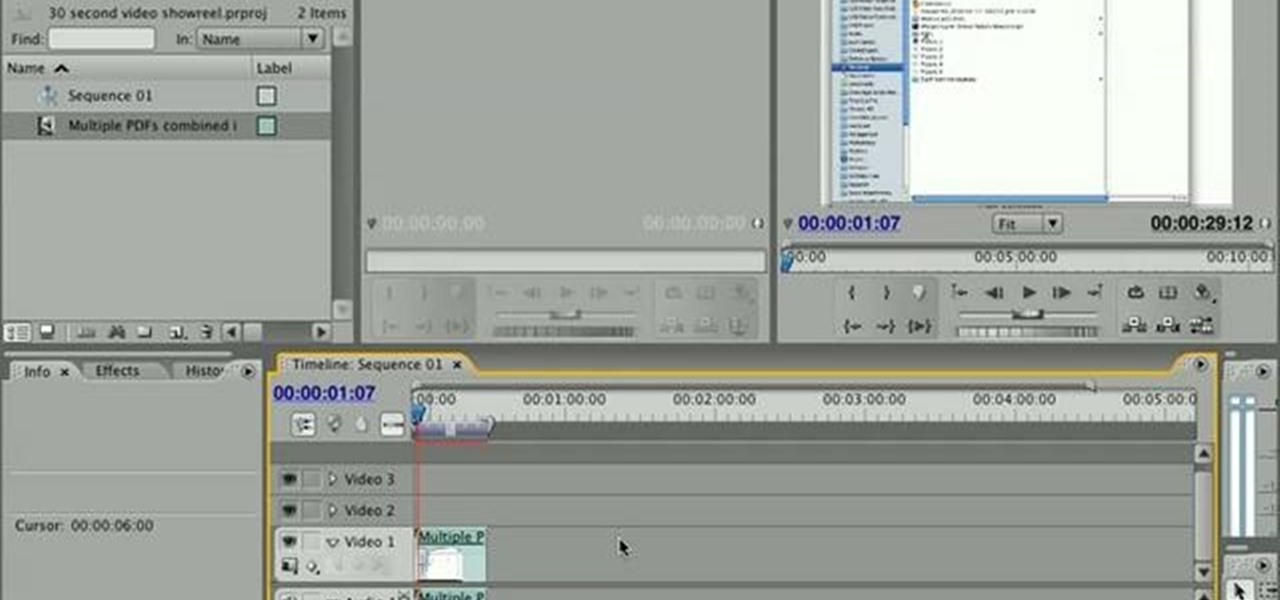
How To: Exporting video from Adobe Premiere CS4
Need help figuring out how to export a video clip from Adobe Premiere CS4 to your desktop? This clip will show you how it's done. Whether you're new to Adobe's popular non-linear editor or a seasoned video professional just looking to better acquaint yourself with the program and its various features and filters, you're sure to be well served by this video tutorial. For more information, including detailed, step-by-step instructions, watch this free video guide.
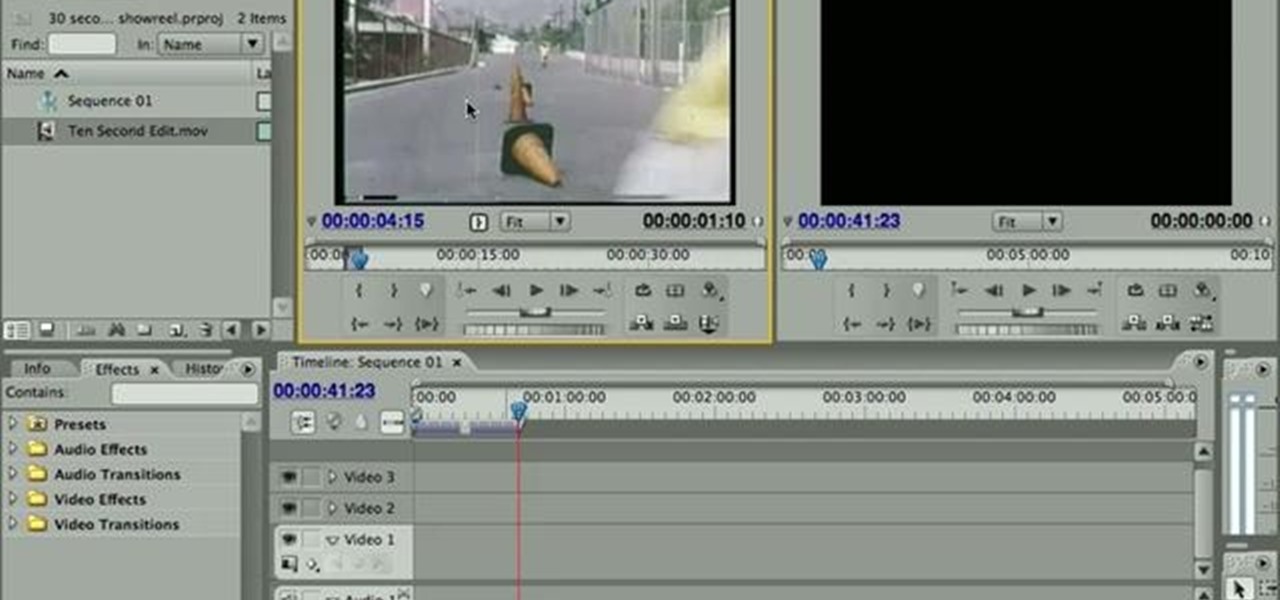
How To: Create a split screen effect in Adobe Premiere Pro
Want to show two separate scenes at once? Learn how to create a split screen effect in Adobe Premiere Pro. Whether you're new to Adobe's popular non-linear editor or a seasoned video professional just looking to better acquaint yourself with the program and its various features and filters, you're sure to be well served by this video tutorial. For more information, including detailed, step-by-step instructions, watch this free video guide.
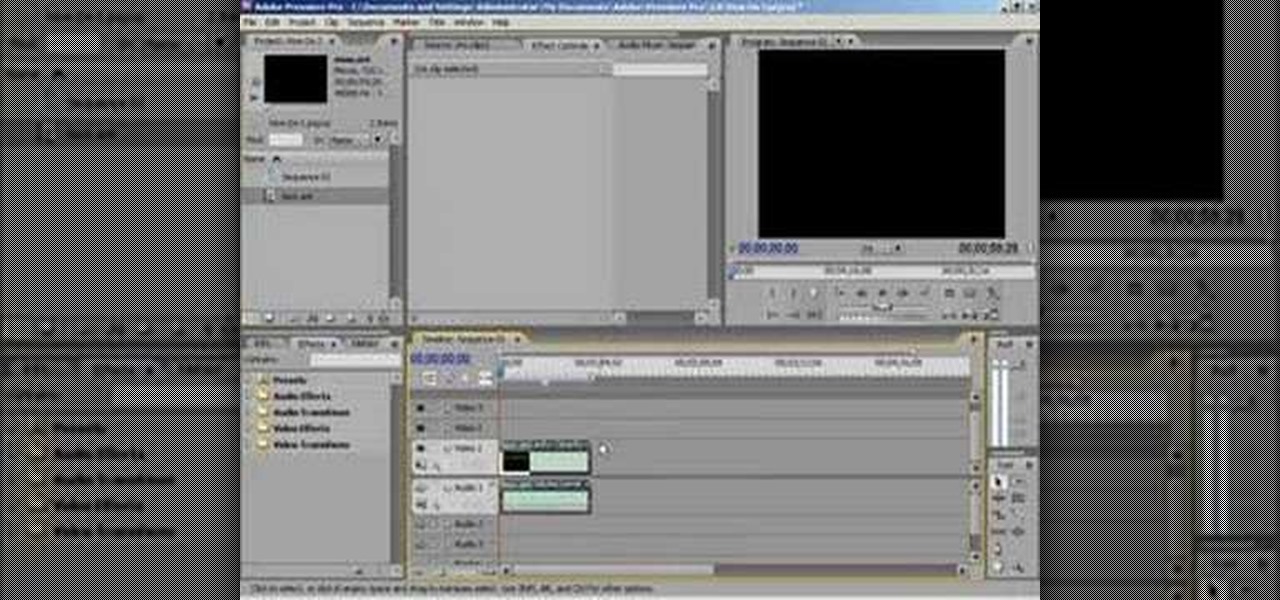
How To: Unlink audio from video in Premiere
This video shows you how to unlink the audio from the video in a piece of footage in Premiere.
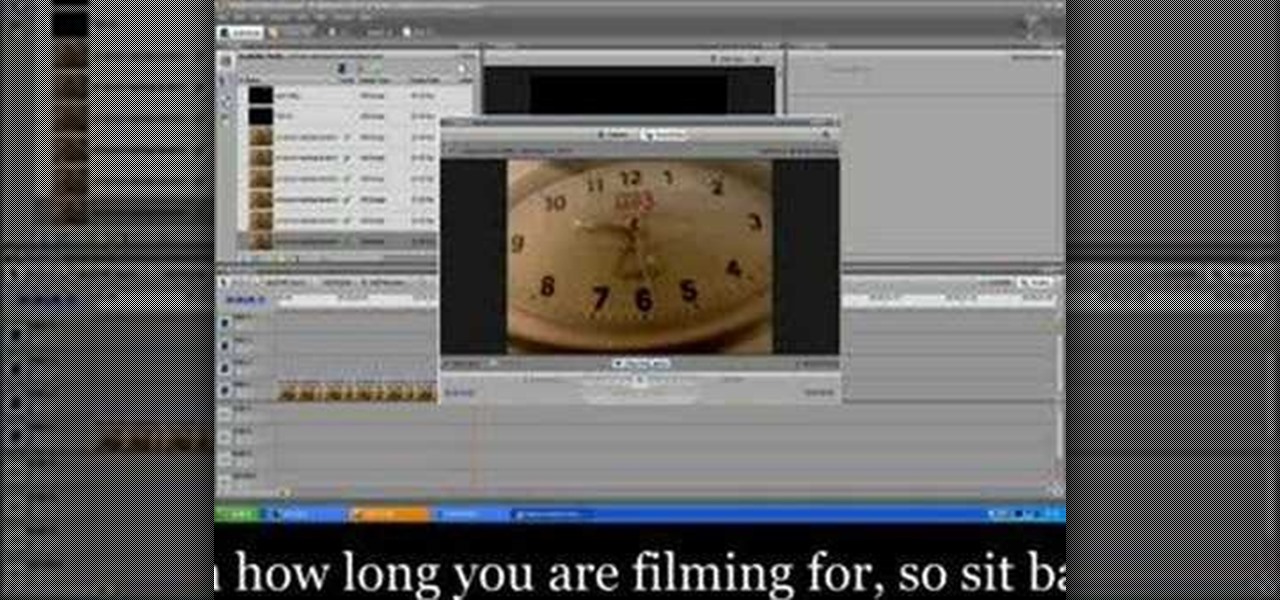
How To: Make a time lapse video using Adobe Premiere Pro
Time lapse videos can be used to distort a sense of time around your subject, which makes them very useful special effects in documentaries. By using time lapse, you can show the transition from sunrise to sunset in just a few seconds, or slow down a drop of water hitting a table. The tools in Adobe Premiere can be used to create this effect, and the following tutorial shows you how to take your raw footage and turn it into a time lapse shot.
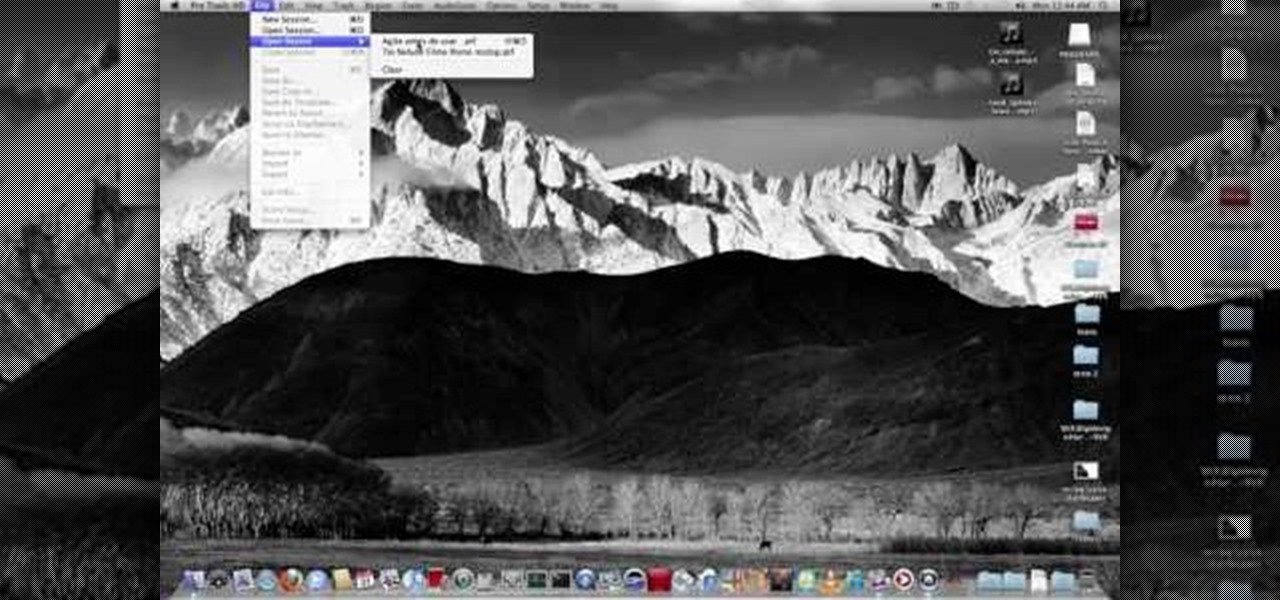
How To: Use the XVX Digidesign Hardware Emulator 1.0.1 with a Digi 002 interface
Want to run Pro Tools HD on your Digi 002? With the XVX Hardware Emulator, it's easy! So easy, in fact, that this video guide can present a complete, step-by-step overview of the process in just over rive minutes. For detailed, step-by-step instructions, and to get started using your own Digi 002 with Pro Tools HD, take a look!
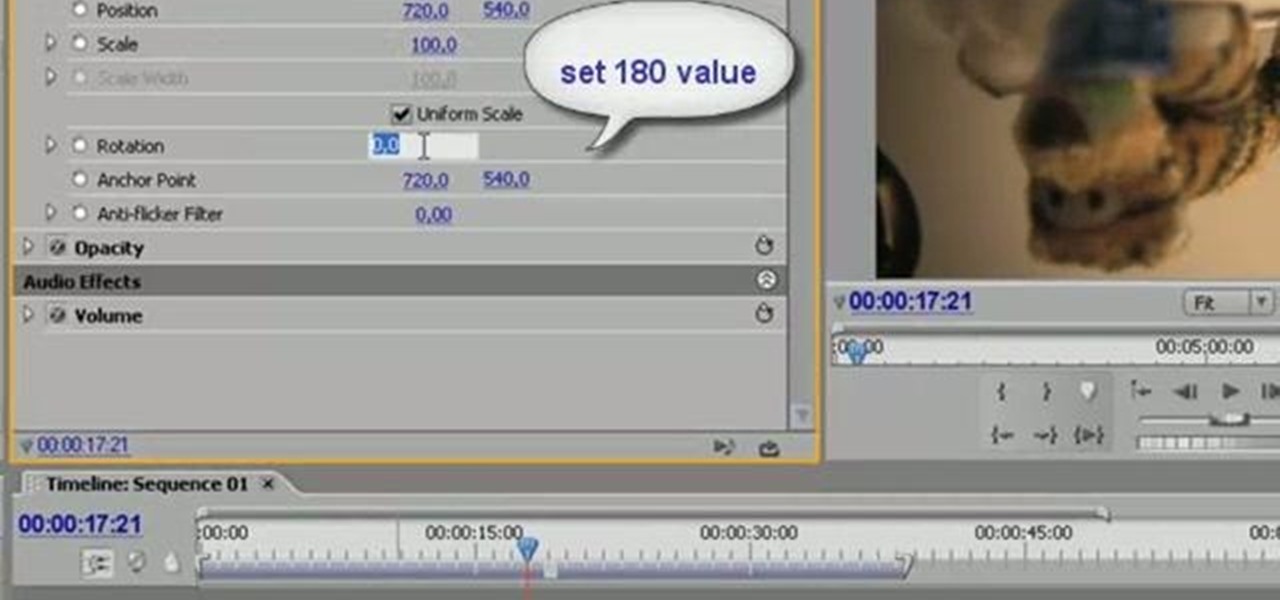
How To: Rotate video clip 180 degrees with Adobe Premiere
Learn to rotate a video clip 180 degrees (or any arbitrary angle measurement) using Adobe Premiere Pro in this tutorial. The audio portion is in Italian, however callouts have been added in English to make the tutorial easy to understand.
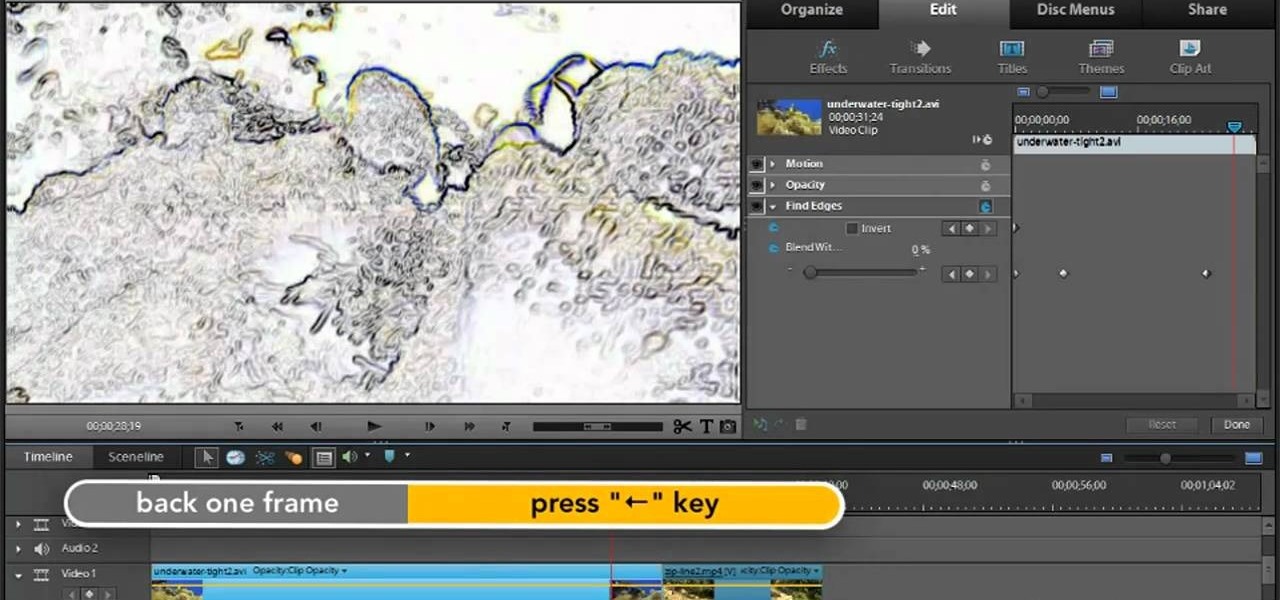
How To: Create animations in Adobe Premiere Elements 9
In this video tutorial, we learn how to create and work with animations in Premiere Elements 9. Whether you're new to the light version of Adobe's popular non-linear editor or a seasoned digital video professional looking to better acquaint yourself with the new features and functions of the latest iteration of the application, you're sure to benefit from this free software tutorial. For more information, watch this video guide.
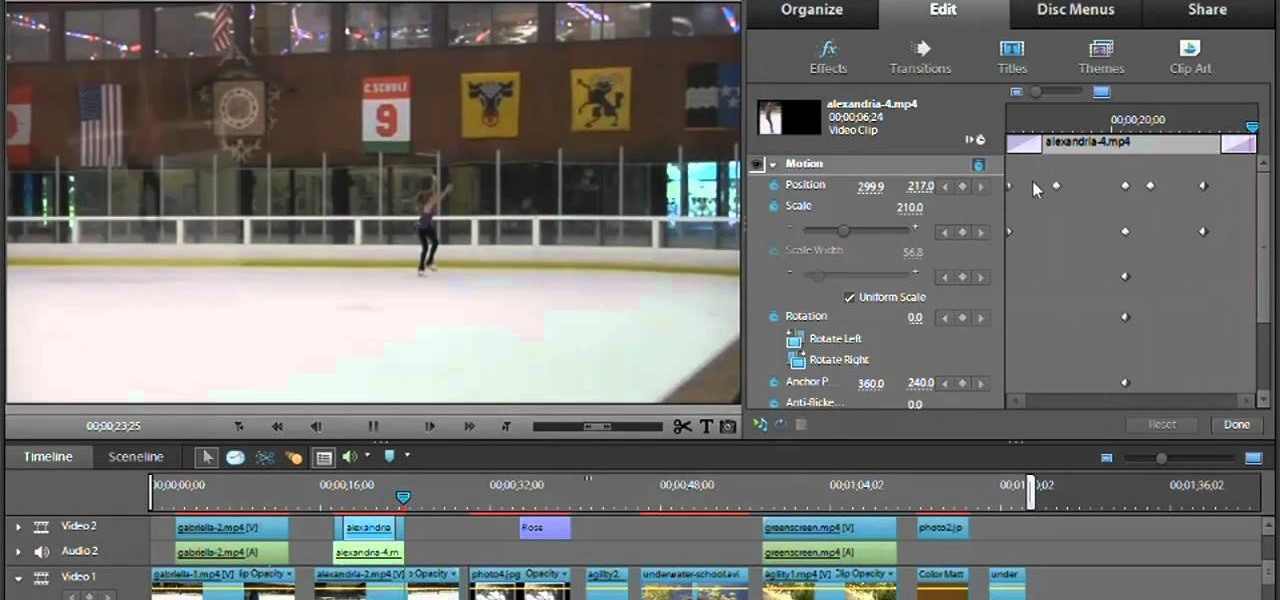
How To: Get started using video effects in Adobe Premiere Elements 9
Fancify your digital video clips by applying effects and filters in Premiere Elements 9. Whether you're new to the light version of Adobe's popular non-linear editor or a seasoned digital video professional looking to better acquaint yourself with the new features and functions of the latest iteration of the application, you're sure to benefit from this free software tutorial. For more information, watch this video guide.
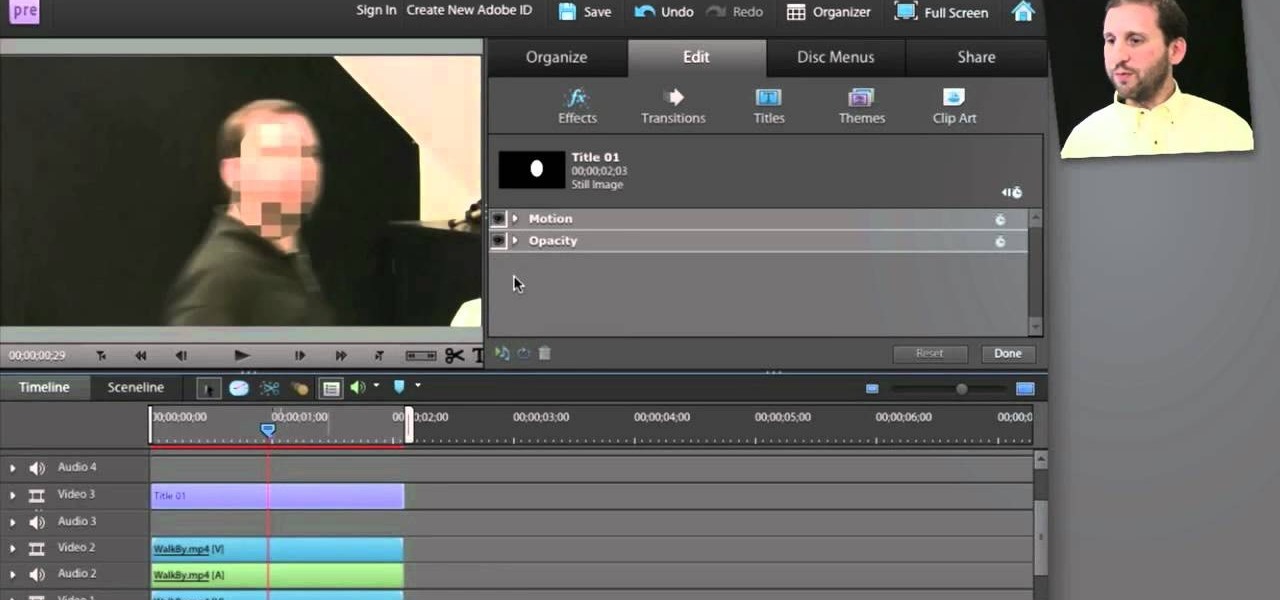
How To: Use Adobe Premier Elements to blur an object in motion
You've got your crisp, clean video and now you want to mess it up with some cool blur effects. Here's how to use Adobe Premier Elements to make it happen. It's a simple trick that can give you some professional looking results.
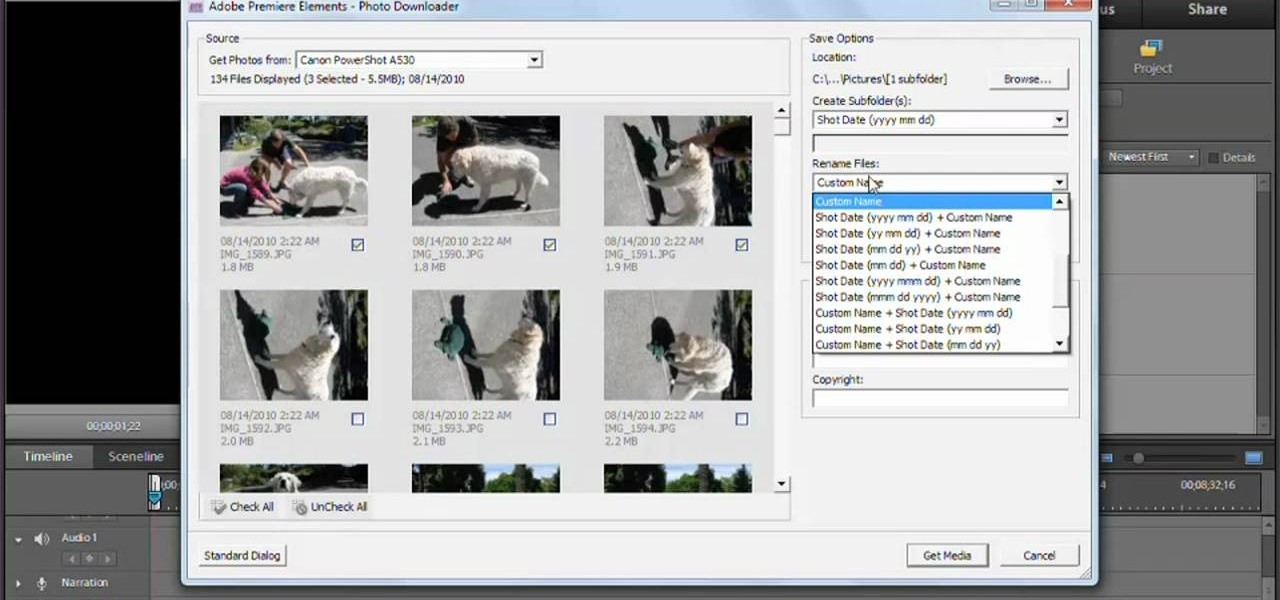
How To: Capture video in Adobe Premiere Elements 9
In this video tutorial, we learn how to capture video within Photoshop Premiere Elements 9. Whether you're new to the light version of Adobe's popular non-linear editor or a seasoned digital video professional looking to better acquaint yourself with the new features and functions of the latest iteration of the application, you're sure to benefit from this free software tutorial. For more information, watch this video guide.
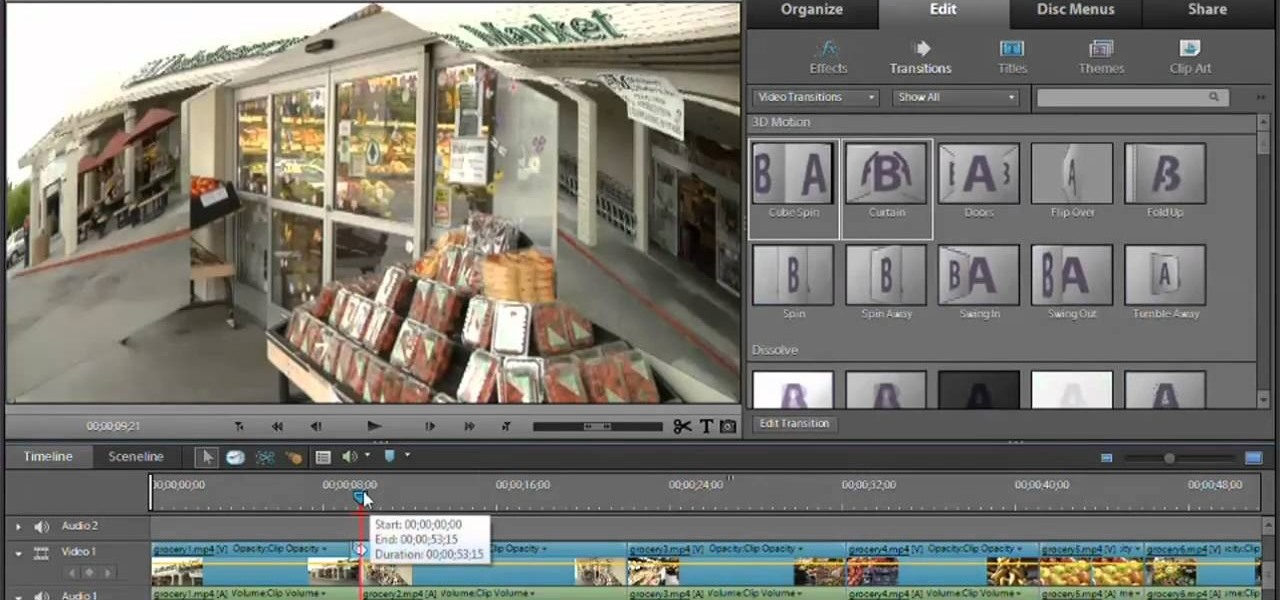
How To: Get started using Adobe Premiere Elements 9
In this video tutorial, we learn how to get started using Photoshop Premiere Elements 9. Whether you're new to the light version of Adobe's popular non-linear editor or a seasoned digital video professional looking to better acquaint yourself with the new features and functions of the latest iteration of the application, you're sure to benefit from this free software tutorial. For more information, watch this video guide.
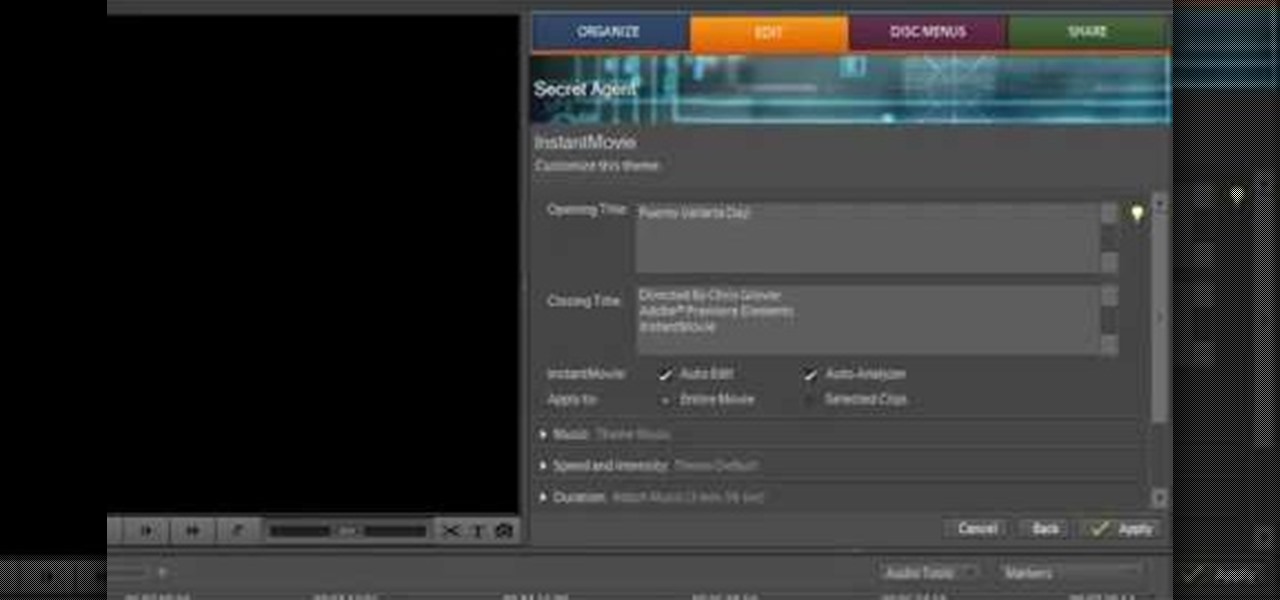
How To: Use Premiere Elements 8 Instant Movie
In this video we learn how to use Premiere Elements 8 Instant Movie. Once you open the program, you will be able to open up a clip and it will add in all the movie action for you. Go to the tasks panel and then go to the organize and media buttons. You can then choose clips that you want for your movie. Then, click the instant movie button with templates that you can apply to your movie. Click on a thumbnail to get a preview for each of the different options. Then, go to "edit" to change the ...
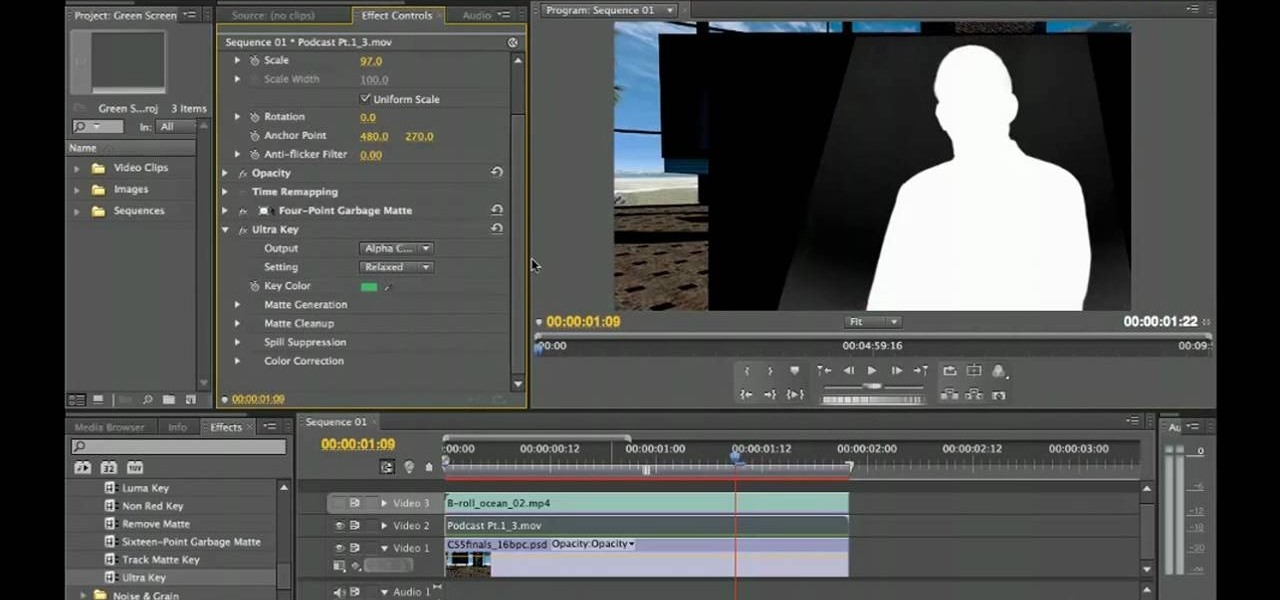
How To: Remove a green screen in Adobe Premiere Pro CS5
In this video tutorial, we learn how to do basic greenscreening within Adobe Premiere Pro CS5. Whether you're new to Adobes's popular NLE (non-linear editor) or simply looking to pick up a few new tips and tricks, you're likely to be well served by this free video lesson. Take a look.

How To: Edit video footage on your computer with Adobe Premiere
So you've got hours and hours of footage for your home video, and now you want to make it into a usable product that you can put up on YouTube! Or, you know, onto a tape that you can bore your family with (heh heh heh). But you need to at least edit them down a little so that way you can get the point of your story across. In this video you will learn how to use the editing tools in Adobe Premiere.
How To: Add titles, transitions, and music to home videos in Adobe Premier
When doing your own filming at home, just getting shot and put into an editing software isn't enough to make a great video. You're going to need some extra polish on your video, and that includes adding titles, transitions and audio including music. In this video you will learn how to do just that in Adobe Premier.

How To: Export 1080p widescreen footage (16:9) to Cinemascope (2.35:1) in Premiere CS5
In this quick clip, you'll learn how to export 1080p HD footage from a widescreen aspect ratio (16:9) to Cinemascope (2.35:1) using Adobe Premiere Pro CS5. Whether you're new to Adobe's popular NLE (or non-linear editor) or are merely looking to pick up a few new tips and tricks, you're sure to find something to take away. For more informationn, including detailed, step-by-step instructions, take a look.
How To: Author Blu-ray Discs in Adobe Premiere Pro
Create your own Blu-Ray discs and switch between Adobe Premiere Pro and Encore! This tutorial will show you how to get the most functionality from these programs, and how to be able to switch between the two without having to re-render your file each time.
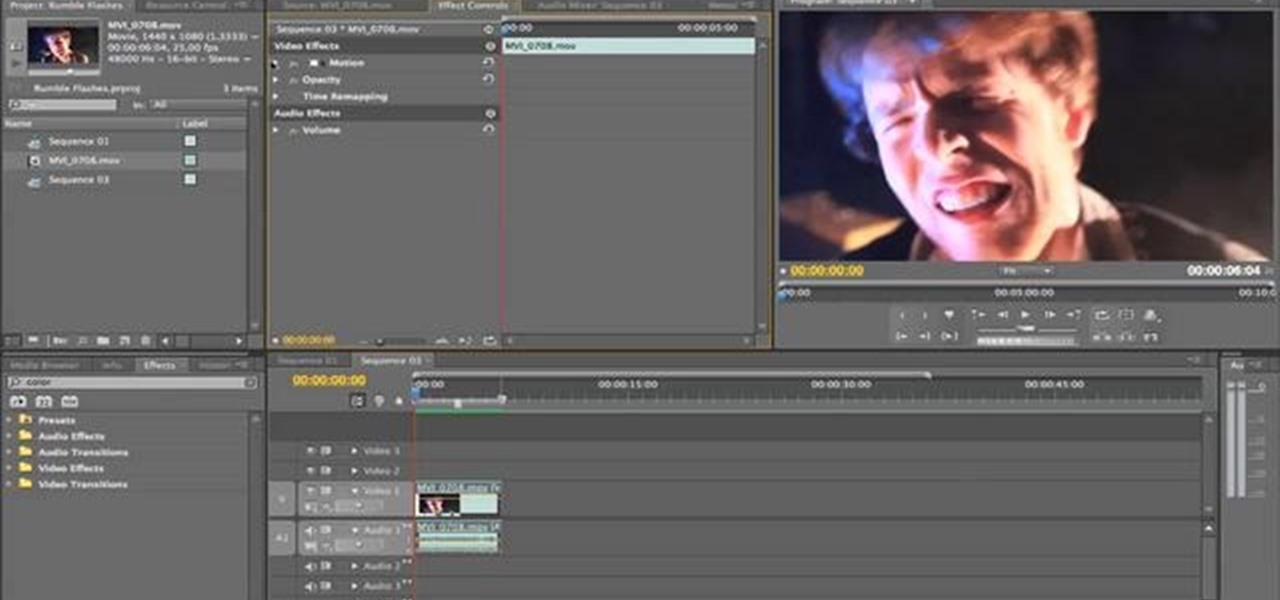
How To: Create a crazy rumble and flash effect using Premiere Pro
Make it look like your camera is shaking and add in a flashing, color-changing light (great for music videos!). You can create this effect (without losing any video quality) using the software program Premiere Pro using this easy technique and by altering some of the color filters.
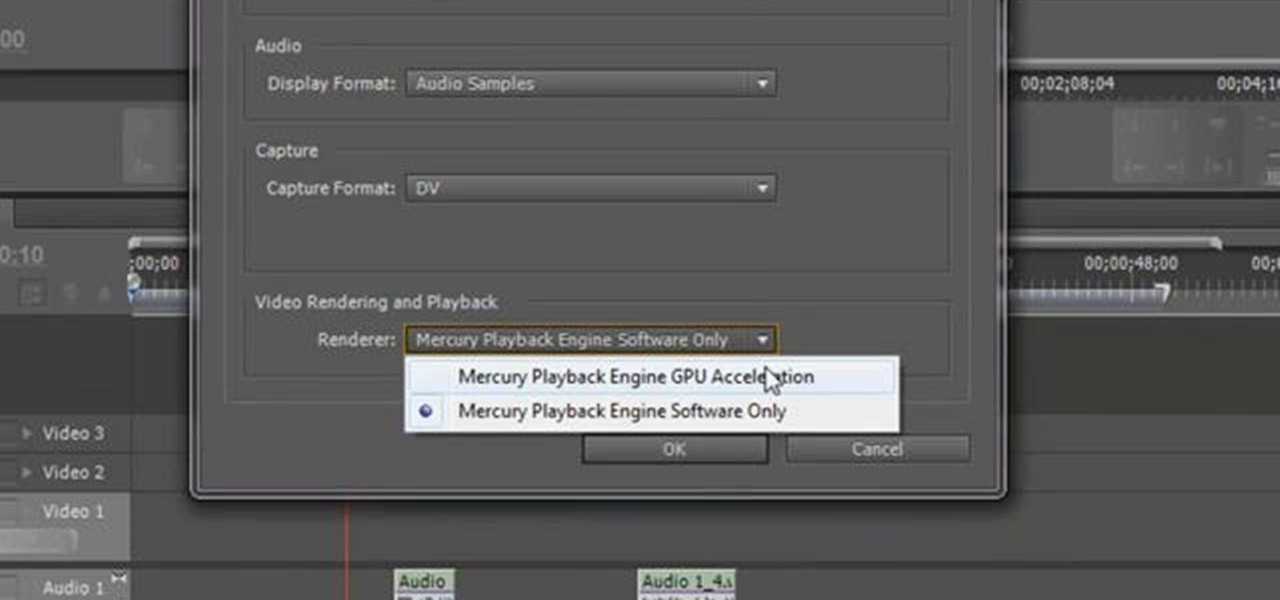
How To: Unlock Adobe Premiere CS5 so you can use almost any NVIDIA graphics card
Increase the functionality of your Adobe Premire Pro CS5 by unlocking the program to make it usable with almost any NVIDIA graphics card. This shows you the exact process to use on your computer's back end to make Adobe compatible with your chosen graphics card.
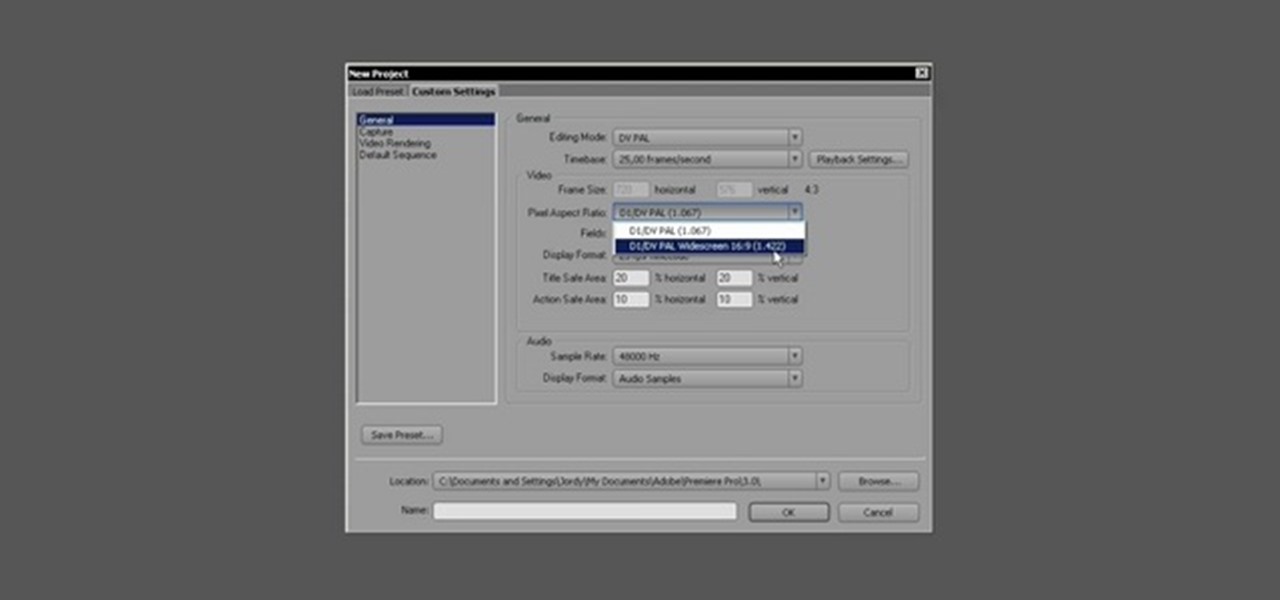
How To: Start editing video projects in Adobe Premiere Pro CS3
For a new user, Adobe Premier Pro can be overwhelming. There's just so much you can do! So, a little guidance, or shall we say "basic training," is what you'll need to get started editing your own home video or professional film. This five-part series is your basic training, taught by Jordy Vandeput, showing you the basic, need-to-know stuff in Premiere Pro CS3.
How To: Use Adobe Premiere Pro to edit video and movies
Adobe Premiere Pro is one of the best video editing software suites ever conceived. Do you edit films? Do you want to be a film editor? Are you a director or screenwriter who wants to know how their movie gets put together after they're done with it? If you are any of those things or just want to learn how to do digital video editing for some other reason, watch this video. It will teach you everything you need to know about using Adobe Premiere Pro to edit digital movies.
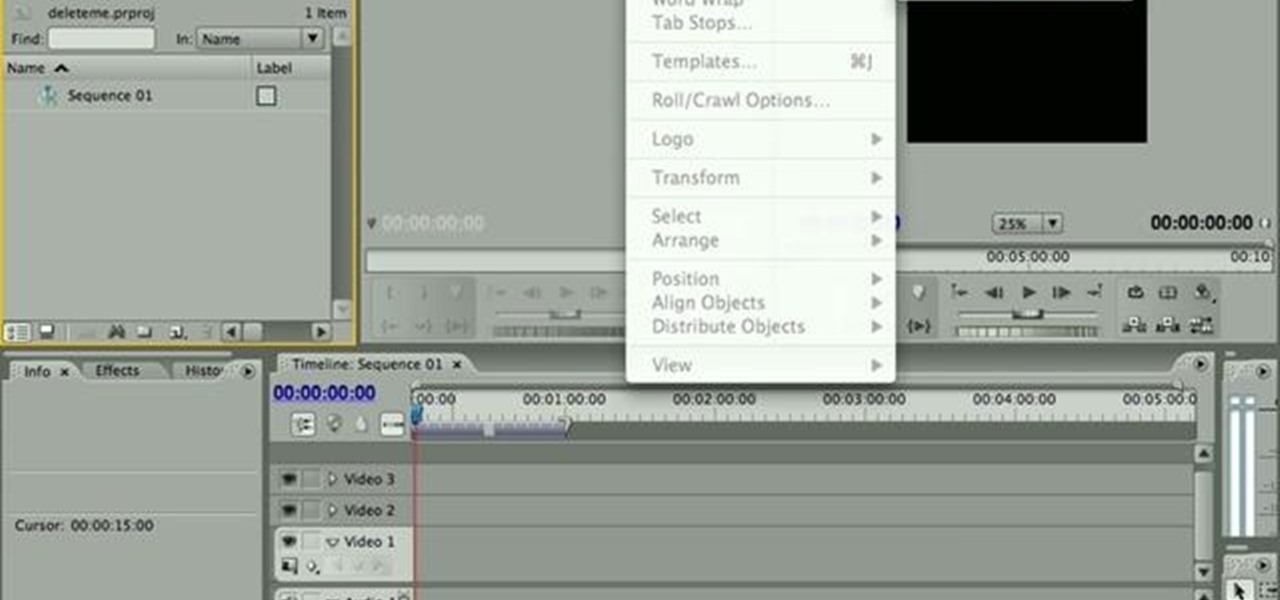
How To: Add and edit title text in Adobe Premiere CS4 or CS5
This clip offers instructions on how to create and manipulate title text within Adobe Premiere CS4 or CS5. Whether you're new to Adobe's popular non-linear editor or a seasoned video professional just looking to better acquaint yourself with the program and its various features and filters, you're sure to be well served by this video tutorial. For more information, including detailed, step-by-step instructions, watch this free video guide.
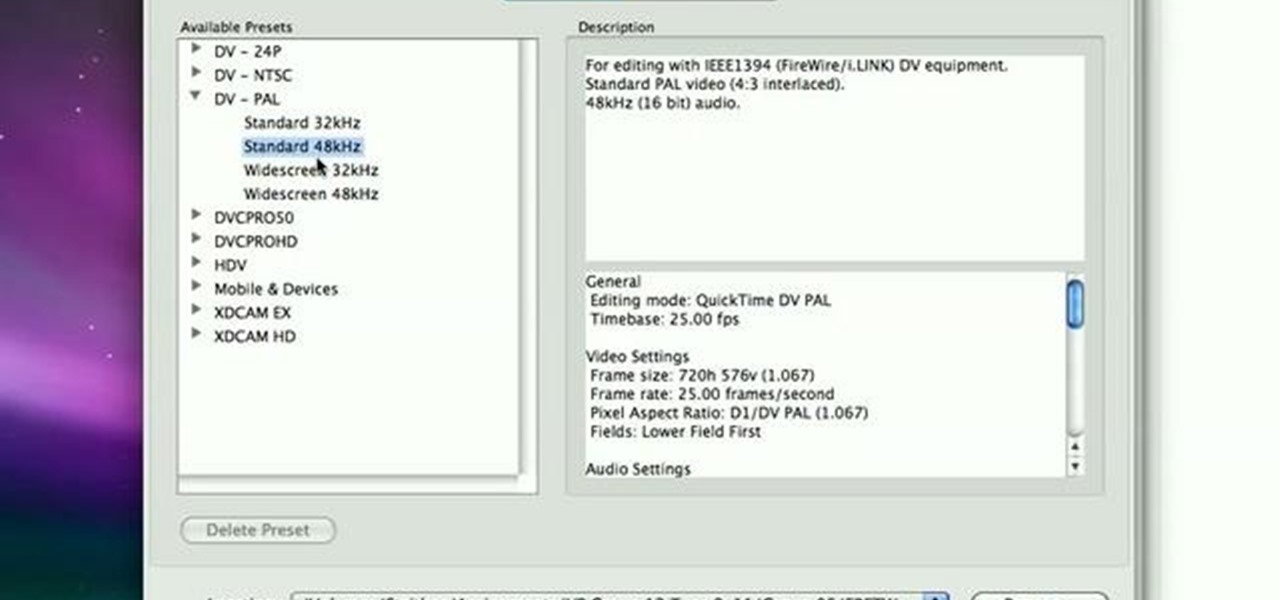
How To: Import stills for stop motion in Adobe Premiere CS4
In this clip, learn how to import stills into Adobe Premiere CS4 for stop motion animation. Whether you're new to Adobe's popular non-linear editor or a seasoned video professional just looking to better acquaint yourself with the program and its various features and filters, you're sure to be well served by this video tutorial. For more information, including detailed, step-by-step instructions, watch this free video guide.

How To: Exporting H.264 from Adobe Premiere Pro
Want to export H.264 video from Adobe Premiere Pro? See how it's done with this quick clip. Whether you're new to Adobe's popular non-linear editor or a seasoned video professional just looking to better acquaint yourself with the program and its various features and filters, you're sure to be well served by this video tutorial. For more information, including detailed, step-by-step instructions, watch this free video guide.
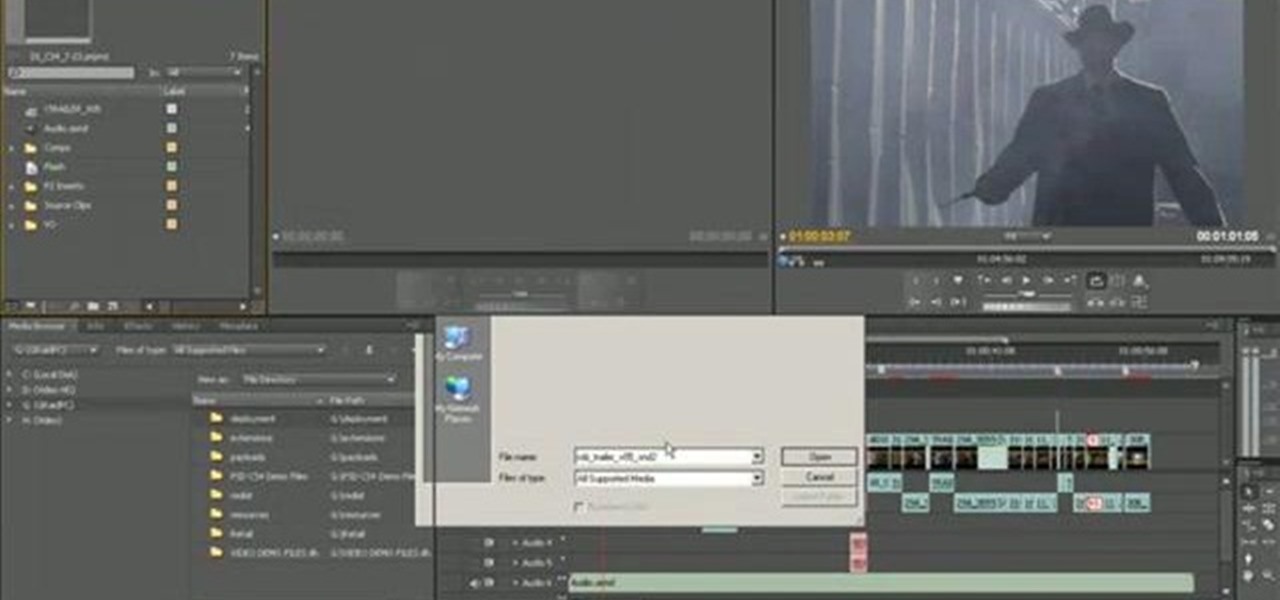
How To: Use the Media Browser Panel in Adobe Premiere Pro
This clip explains how the Adobe Premiere Pro CS4 Media Browser panel can save you time and keep your projects tidy. Also learn about Equalize Volume within Soundbooth to make volume matching files easy. Whether you're new to Adobe's popular non-linear editor (NLE) software or a seasoned video professional just looking to better acquaint yourself with the program and its various features and filters, you're sure to be well served by this video tutorial. For more information, including detaile...
How To: Create a picture-in-picture effect (PIP) in Premiere
This clip will show you how to do a picture-in-picture inside of Premiere Pro CS3 or later. Use this technique to start stacking your videos in a vertical fashion as well as opening new creative doors for your expression! Whether you're new to Adobe's popular non-linear editor or a seasoned video professional just looking to better acquaint yourself with the program and its various features and filters, you're sure to be well served by this video tutorial. For more information, including deta...
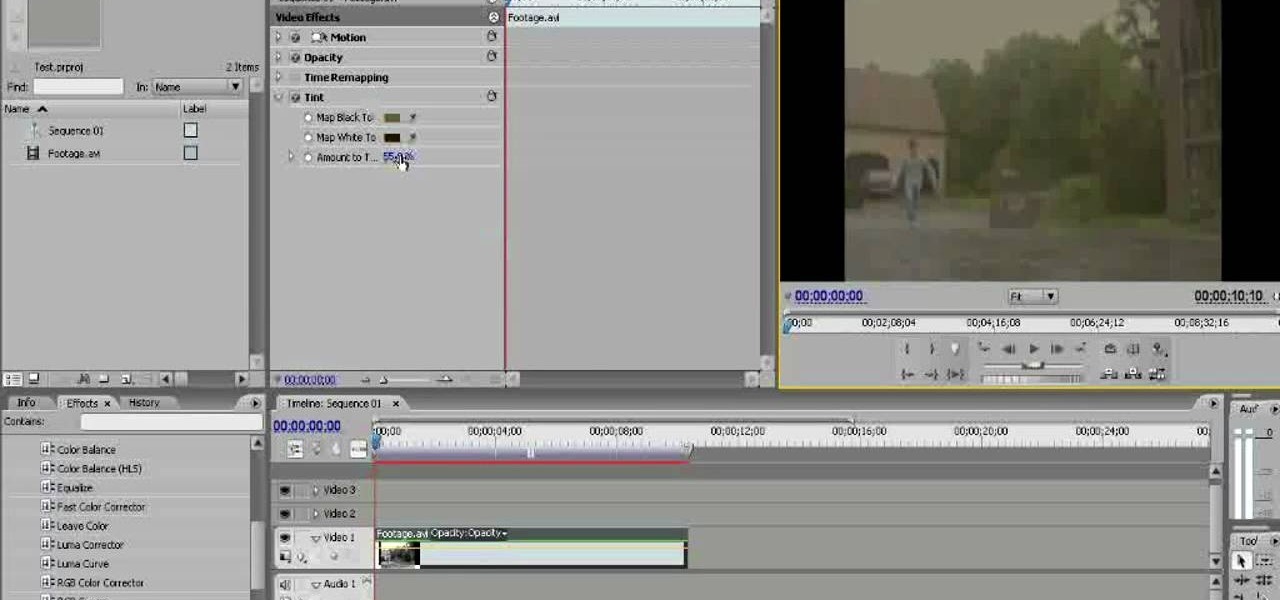
How To: Create an old TV effect in Premiere Pro CS3
Old TV's were not famous for their high-fidelity color, but the brown-saturated look they made standard now evokes a lot of nostalgia among viewers. Because of this, it may behoove you, the filmmaker, to know how to simulate that color effect without having to actually use crappy cameras or televisions. This video will show you how to create an old TV effect while editing using Adobe Premiere Pro CS3. Embrace the nostalgia!
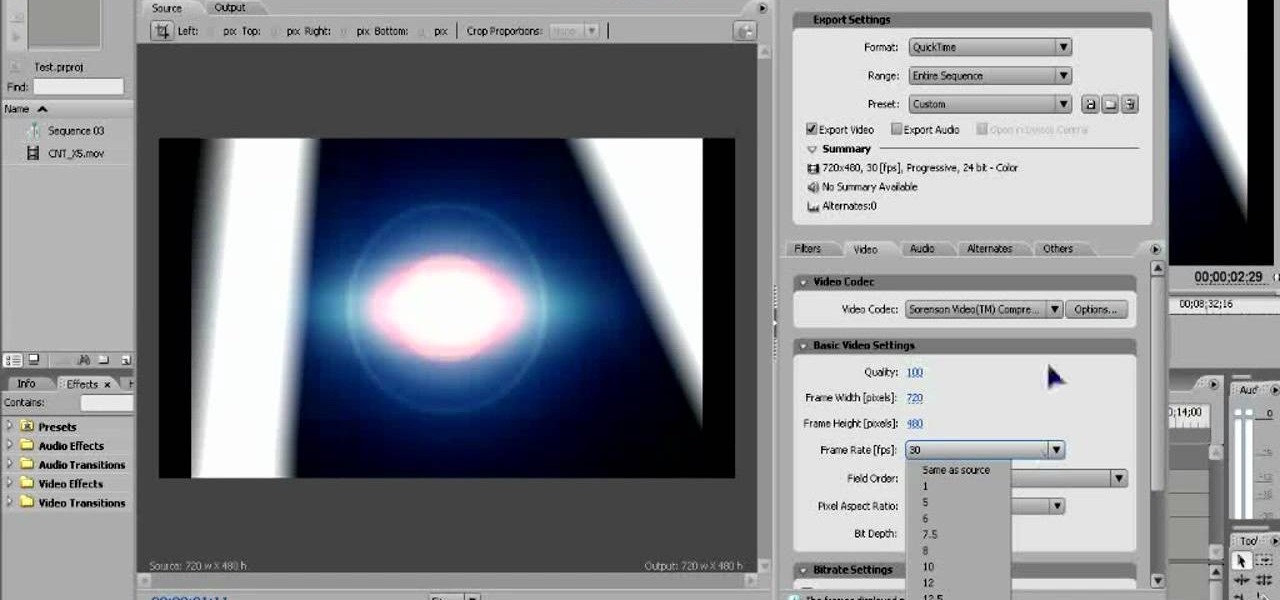
How To: Export video from Adobe Premiere Pro CS3
Once you've created and edited a project in Premiere Pro to your heart's content, it's time to export that video so you can watch it outside of your editing console. This video will teach you how to do just that in Premiere Pro CS3 quickly and easily. Make sure your video looks as good as humanly possible using these tips.
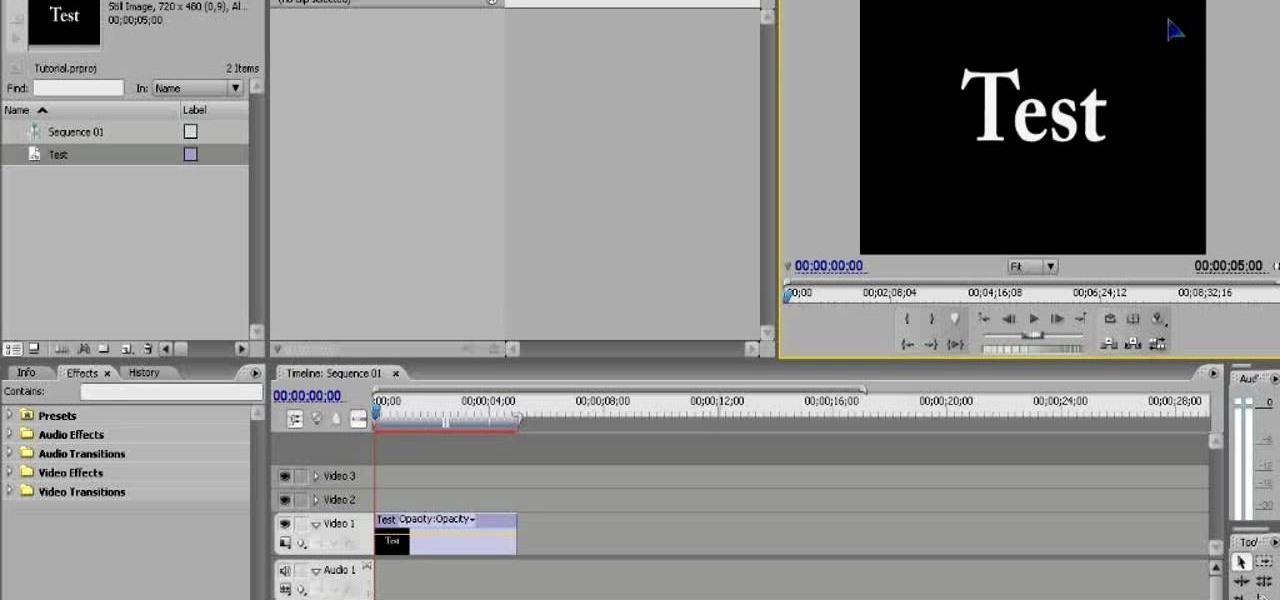
How To: Make basic titles using Adobe Premiere Pro CS3
Making cool, animated titles is one of the most popular tasks among online video cognoscenti. Don't miss out on the fun! This video will show you how to make basic animated titles using Adobe Premiere Pro CS3. Give your web videos a more professional look by applying the tips from this video.
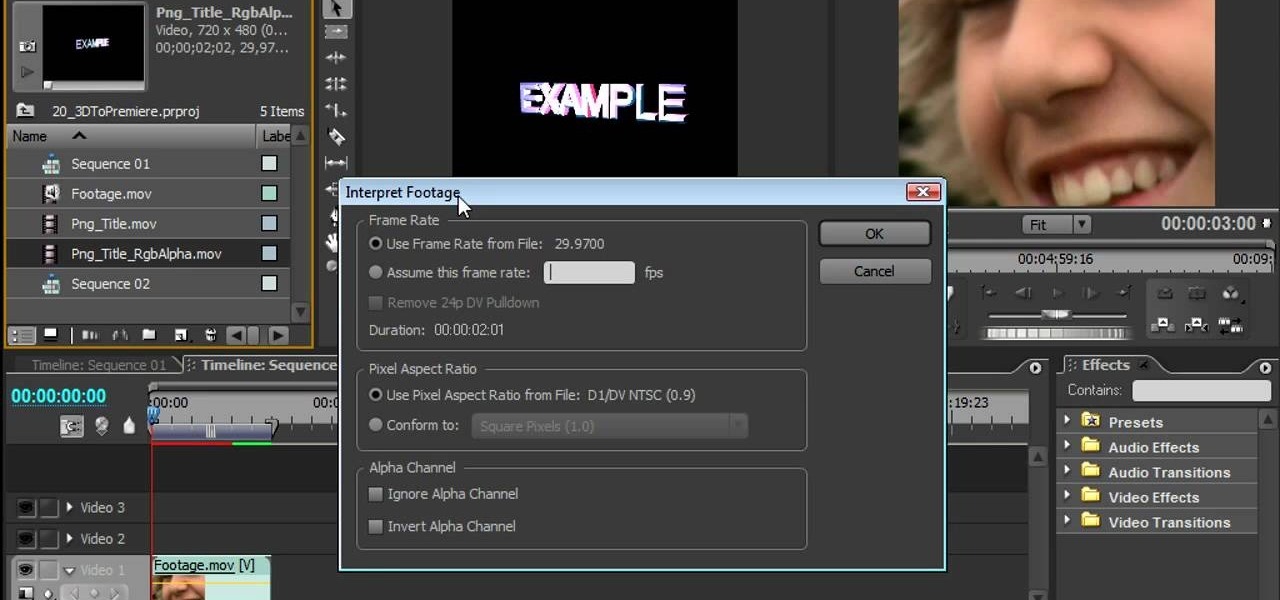
How To: Import objects from 3D Invigorator into Premiere Pro
Making different software suites work together properly is one of the big challenges involved in creating really good multimedia on the computer. This video will teach you how to import objects created using 3D Invigorator in After Effects to Premiere Pro, enabling you to add them to your film in the editing console. Easy, useful, and very cool-looking.
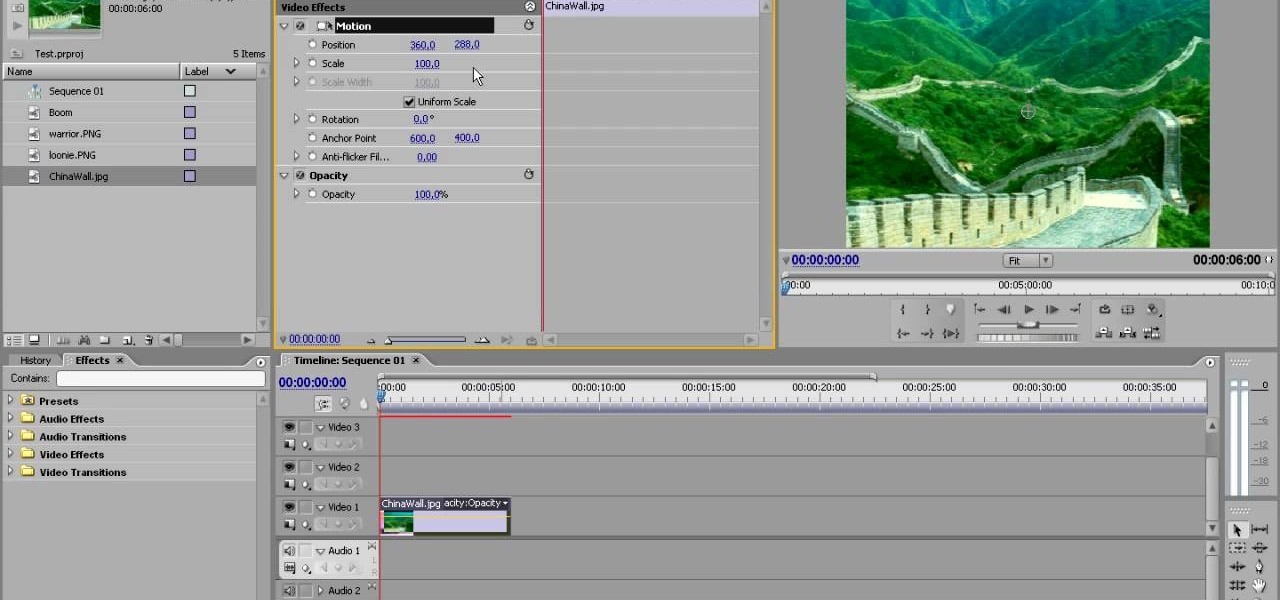
How To: Use motions in Adobe Premiere Pro
Inserting computer generated images, like logos and CG characters like the one in this video, into video clips is difficult but highly desirable. This video will teach you how to use motions to do just that in Adobe Premiere Pro.
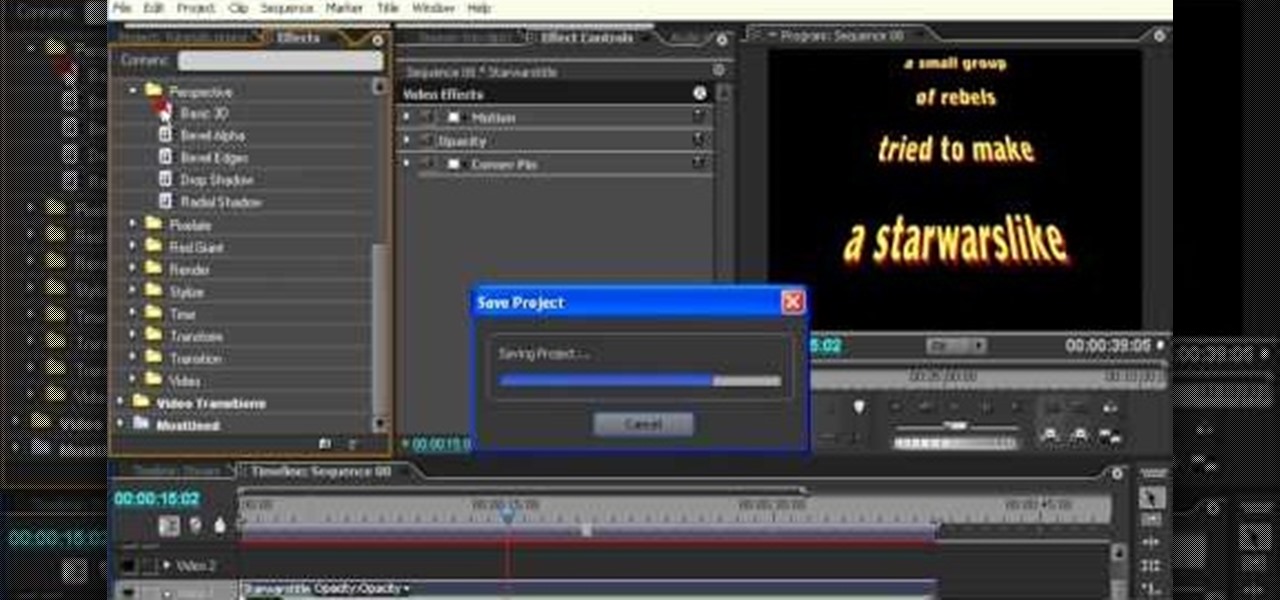
How To: Create Star Wars style titles using Premiere Pro
The scrolling, synopsis-giving titles of the sci-fi epic Star Wars might be the most famous set of titles in the history of cinema. All most people need to see is deep space and yellow letters to immediately think of Star Wars. This video will teach you how to make similar titles for your own films using Adobe Premiere Pro. This is MUCH easier than what the Star Wars staff did to make the original titles, so fire up your computer and make your own!
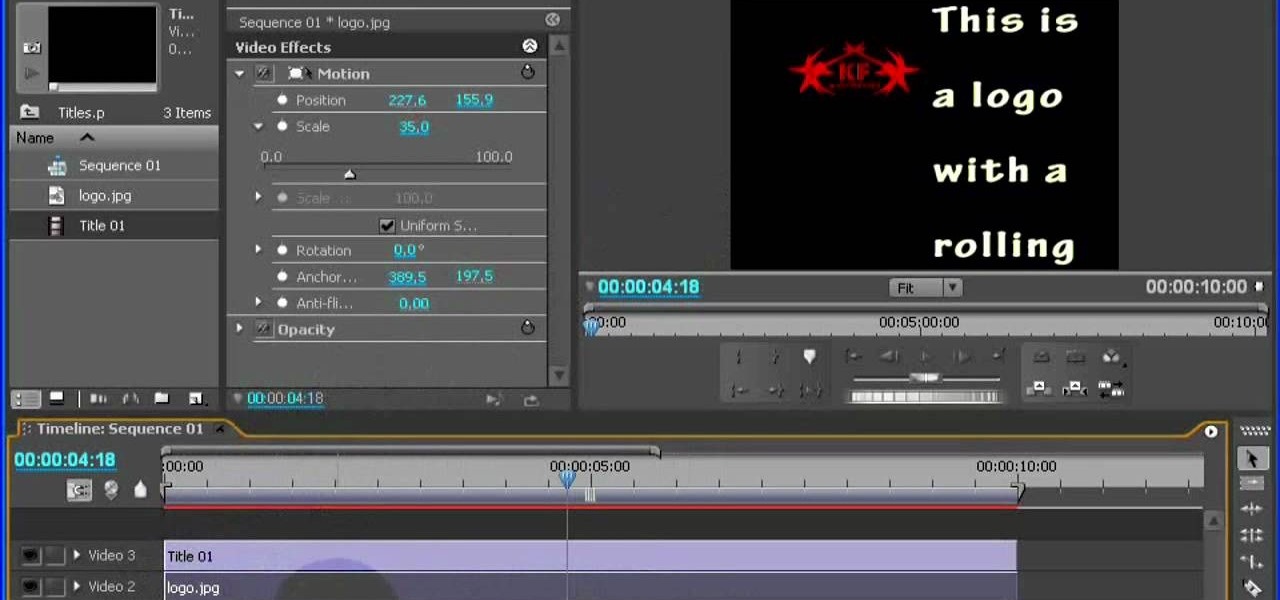
How To: Incorporate a logo into your titles using Premiere Pro
If you make videos and are lucky enough to have a sweet logo, you probably want to incorporate it into your videos smoothly. This video will show you how to do just that using the film editing suite Adobe Premiere Pro. Specifically, you will learn how to inset a logo with additional motions.
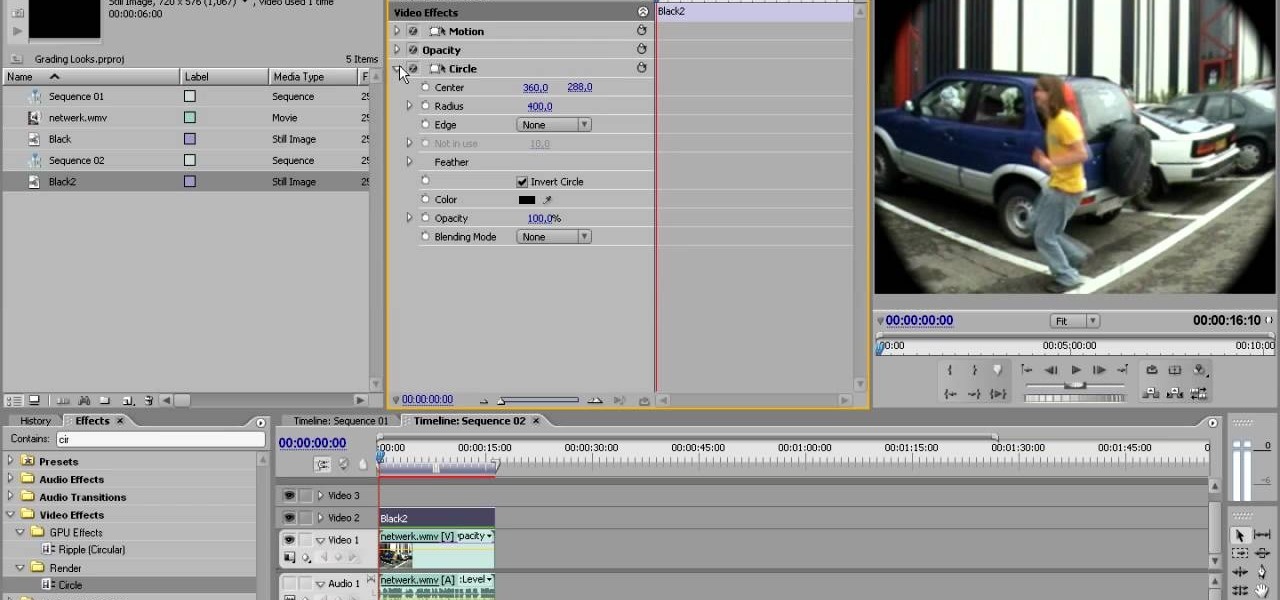
How To: Simulate fisheye lens distortion using Premiere Pro
The fisheye lens is one of the oldest and most popular of effects lenses. They are also expensive, and you can't attach one to your cell phone! If you find either of those things to be a problem, this video will help you to alleviate them by teaching you how to simulate a fisheye lens effect using the Adobe Premiere Pro video editing suite. Don't waste your money, watch this video!
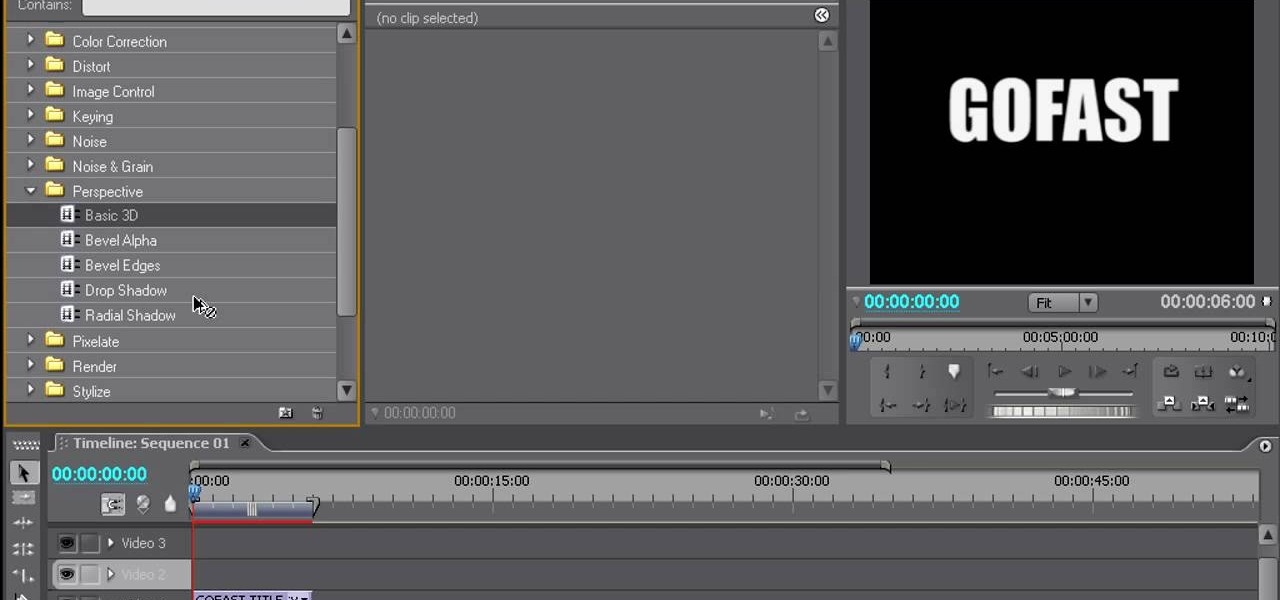
How To: Create 3D moving titles using Adobe Premiere Pro
Creating really cool titles is a big part of making a web video that will hook viewers. They make the whole work seem much more professional before the viewer watches a second of actual film. This video will teach you how to create cool 3D titles using the Adobe Premiere Pro video editing suite.
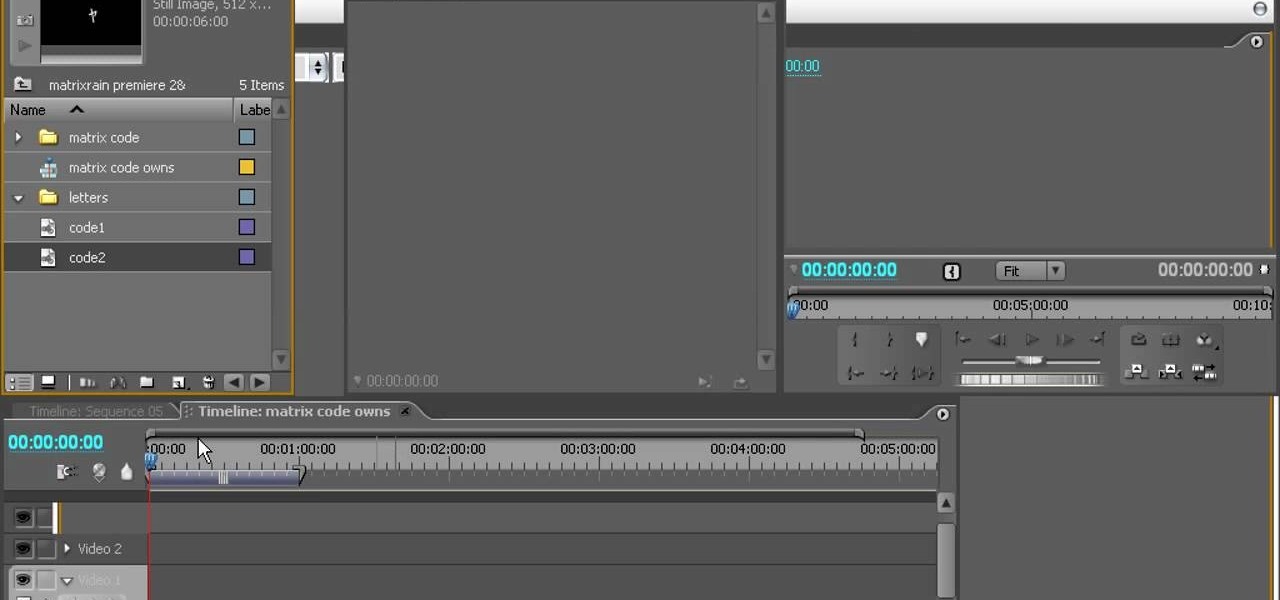
How To: Create the Matrix rain effect using Premiere Pro
The rain of neon-green computer code that makes up the matrix in the iconic film The Matrix is a familiar image to anyone familiar with the film. Now you can make it yourself! This two-part video will teach you how to create this awesome effect using the Adobe Premiere Pro video editing suite.
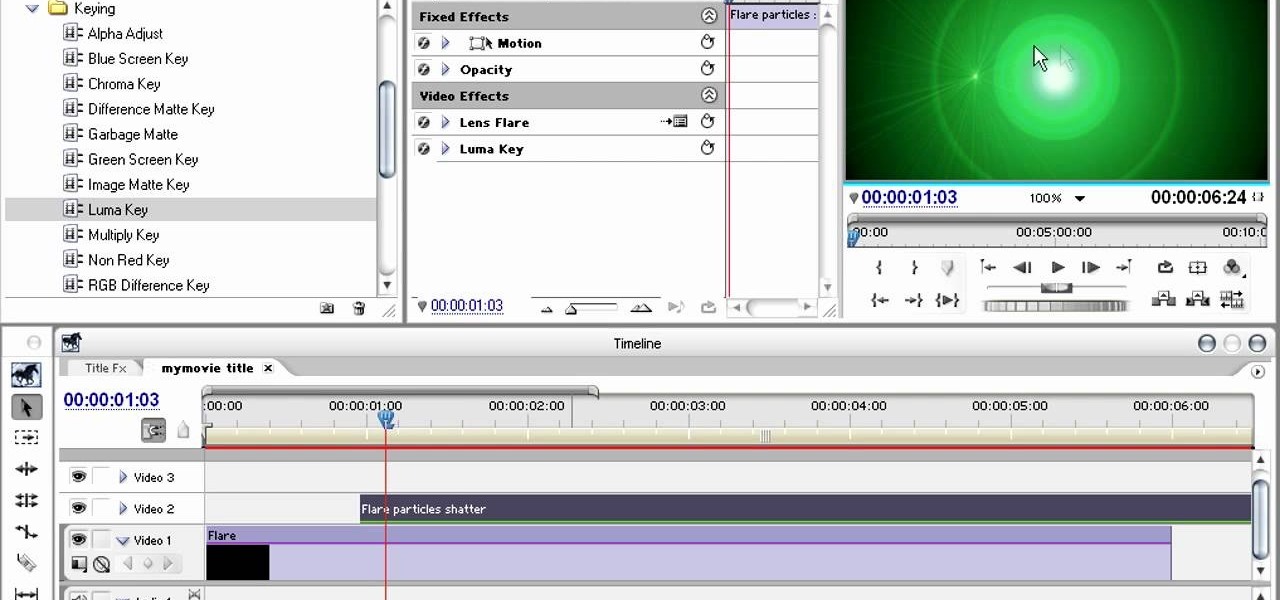
How To: Create Matrix-style titles in Premiere Pro
The Matrix had all sorts of stunning visual effects that have become standards in film since its release in 1999. This video will teach you how to create just one of them, the film's iconic titles, using the Adobe Premiere Pro editing suite.
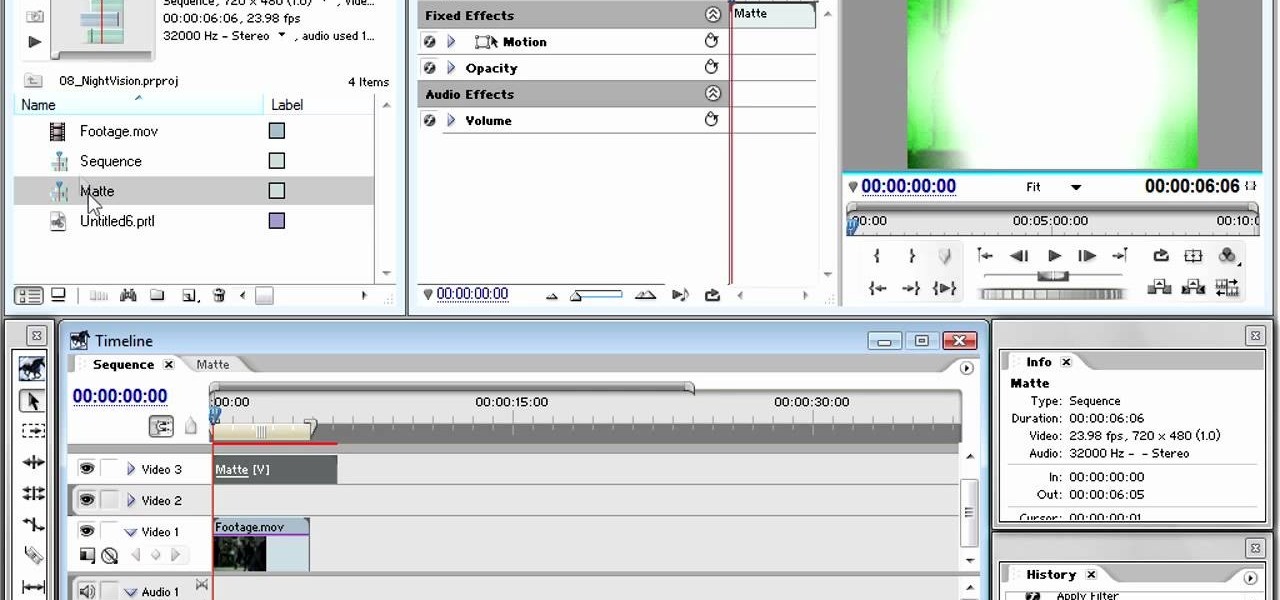
How To: Apply a night vision effect in Premiere Pro
In modern action movies, the night vision goggles effect has become as much of a staple as exploding heads. This video will teach you, the budding action film editor, to create the night vision effect using Adobe Premiere Pro.
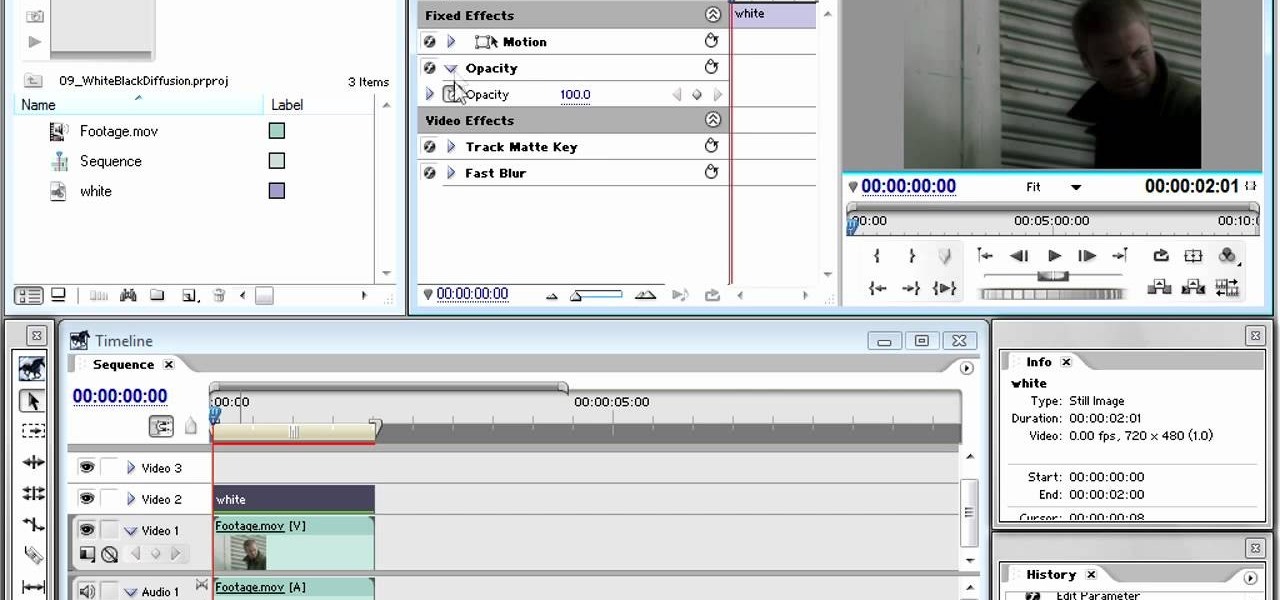
How To: Use black and white diffusion in Premiere Pro
It's odd how something that filmmakers fought for so long to get rid of, blurriness in their film, is now so sought after by new filmmakers who wish they still had it. This video will teach those new digital filmmakers how to diffuse images using track and color mattes. If your film needs to look lower-quality, the tips in this video should be very helpful to you.
How To: Apply a bleach bypass effect in Premiere Pro
The bleach bypass effect is a classic, and is large part of what gave Saving Private Ryan it's distinctive look. This video will teach you how to apply bleach bypass yourself using Adobe Premiere Pro. Give your video that old-school look using the most modern of technologies.
Next Page
Prev Page