


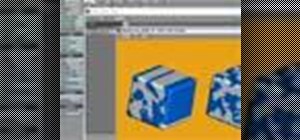
In this tutorial, you will see how to use the APS tool (specifically the Pixel per polygon function) in LightWave 9 to change the detail level of your mesh (or model) according to how close it is to the camera. This is a great tool because it will give your model details when needed, and less geometry to move around when detail is not needed.
Set mesh details relative to camera in LightWave
 Click through to watch this video on vtutorial.com
Just updated your iPhone? You'll find new emoji, enhanced security, podcast transcripts, Apple Cash virtual numbers, and other useful features. There are even new additions hidden within Safari. Find out what's new and changed on your iPhone with the iOS 17.4 update.

Be the First to Comment
Share Your Thoughts