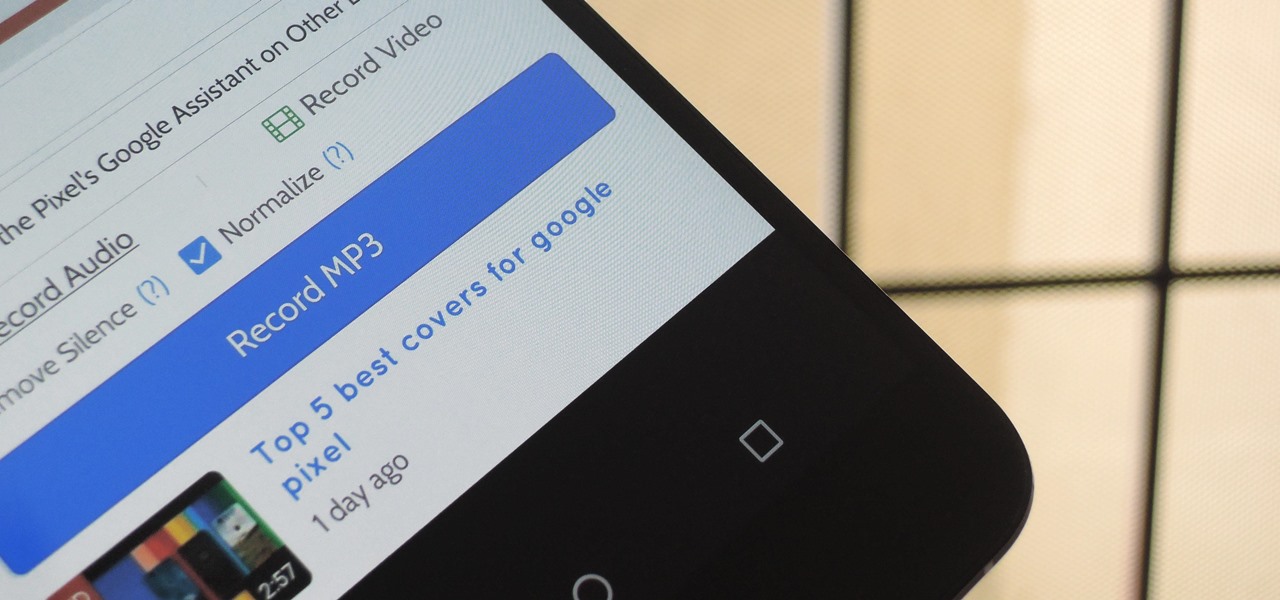


YouTube won't let you play videos in the background on Android without paying for YouTube Red, so if it's your primary source for streaming music, and you don't want to shell out $9.99/month, you'll just have to take matters into your own hands. The simplest solution to this problem would be to download MP3s straight from YouTube for offline playback, but in the past, this hasn't exactly been easy on a mobile device.
That's where an app called Peggo comes into play. It allows you to rip audio from YouTube videos in two quick taps, and it can even download the actual video in full HD. The best part about all of this is that it works on Android, so you don't even have to get off your couch to try it out.
Step 1: Install Peggo
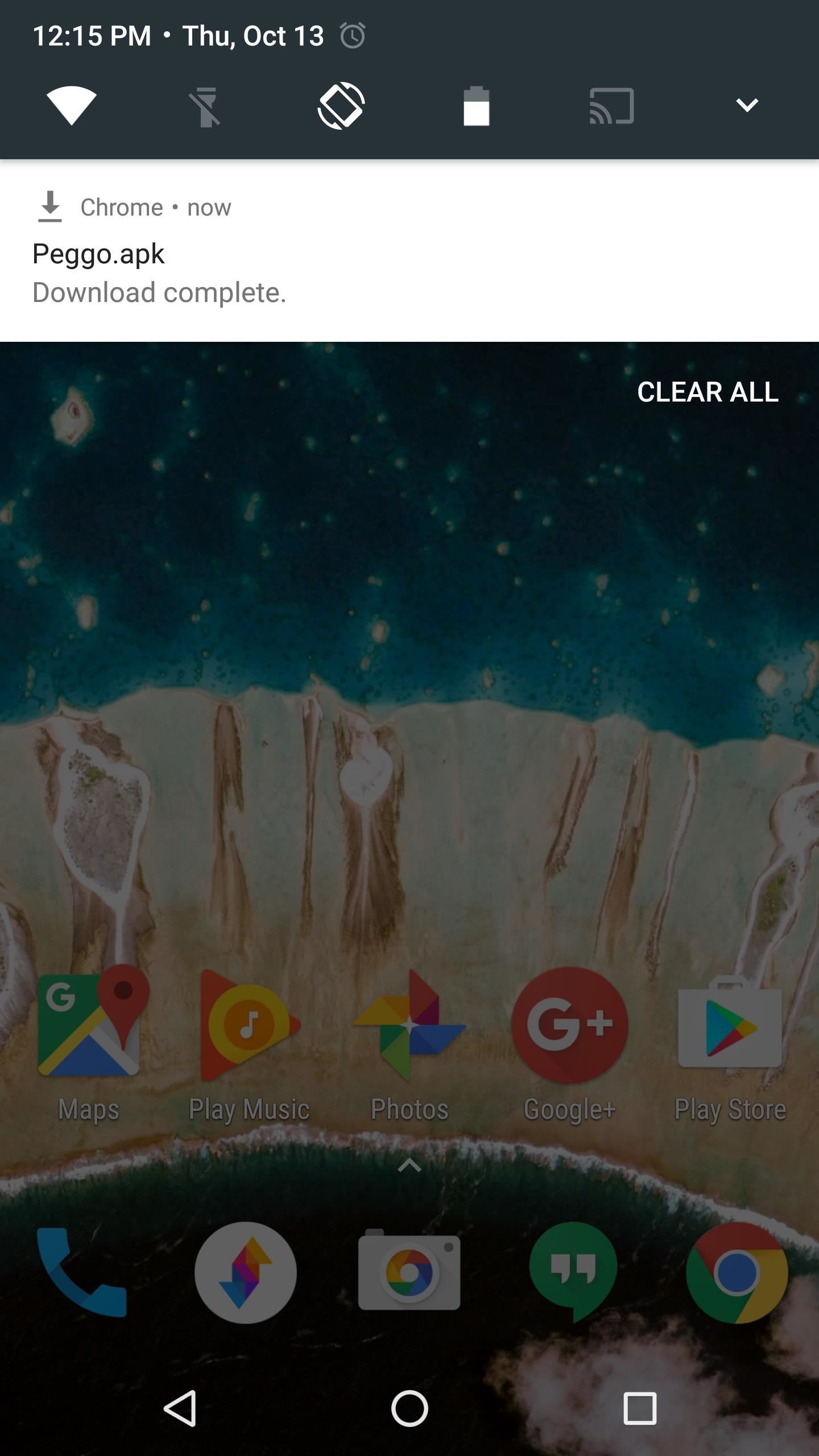
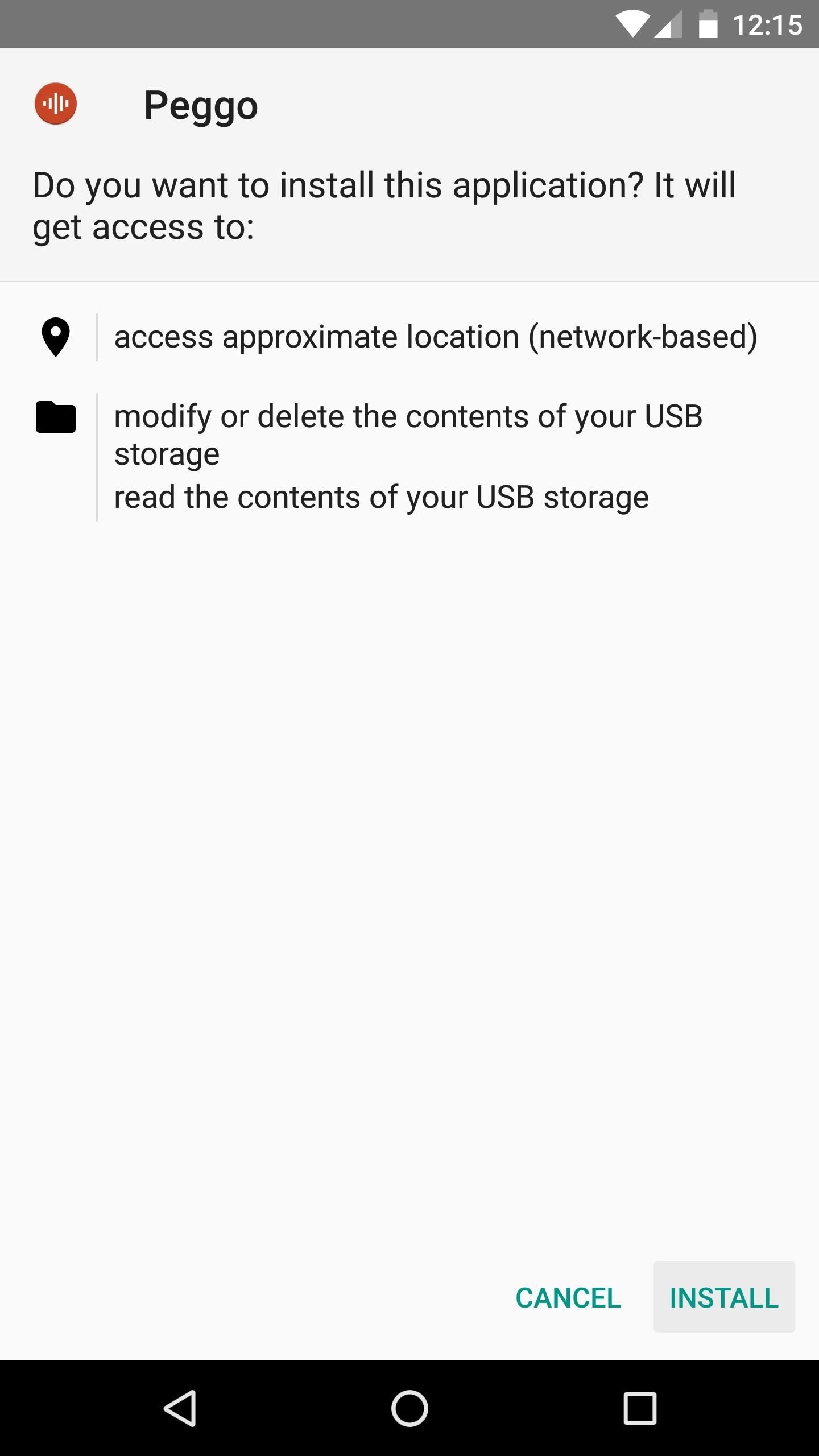
Peggo isn't available on the Google Play Store, so you'll need to make sure you have "Unknown Sources" enabled before you can install it. Aside from that, just grab the APK from the following link, then tap the Download Complete notification, and press "Install" when prompted.
Step 2: Share a Video from the YouTube App
Once you've got Peggo installed, ripping an MP3 or downloading a video from YouTube is incredibly easy. To start, just find a video in your regular YouTube app, then tap the share button beneath the description, and select Peggo from the list.


Step 3: Rip Audio or Video
As soon as you share the video to Peggo, the app will be ready to download an MP3. You can adjust options like "Remove Silence" and "Normalize," but beyond that, just tap "Record MP3" to grab a copy of the audio track from this video.
If you'd like to download the actual video, select "Record Video" instead, then choose the resolution and tap "Record MP4." But either way, be aware that some videos on YouTube are copyrighted, so don't get yourself in trouble for pirating content.
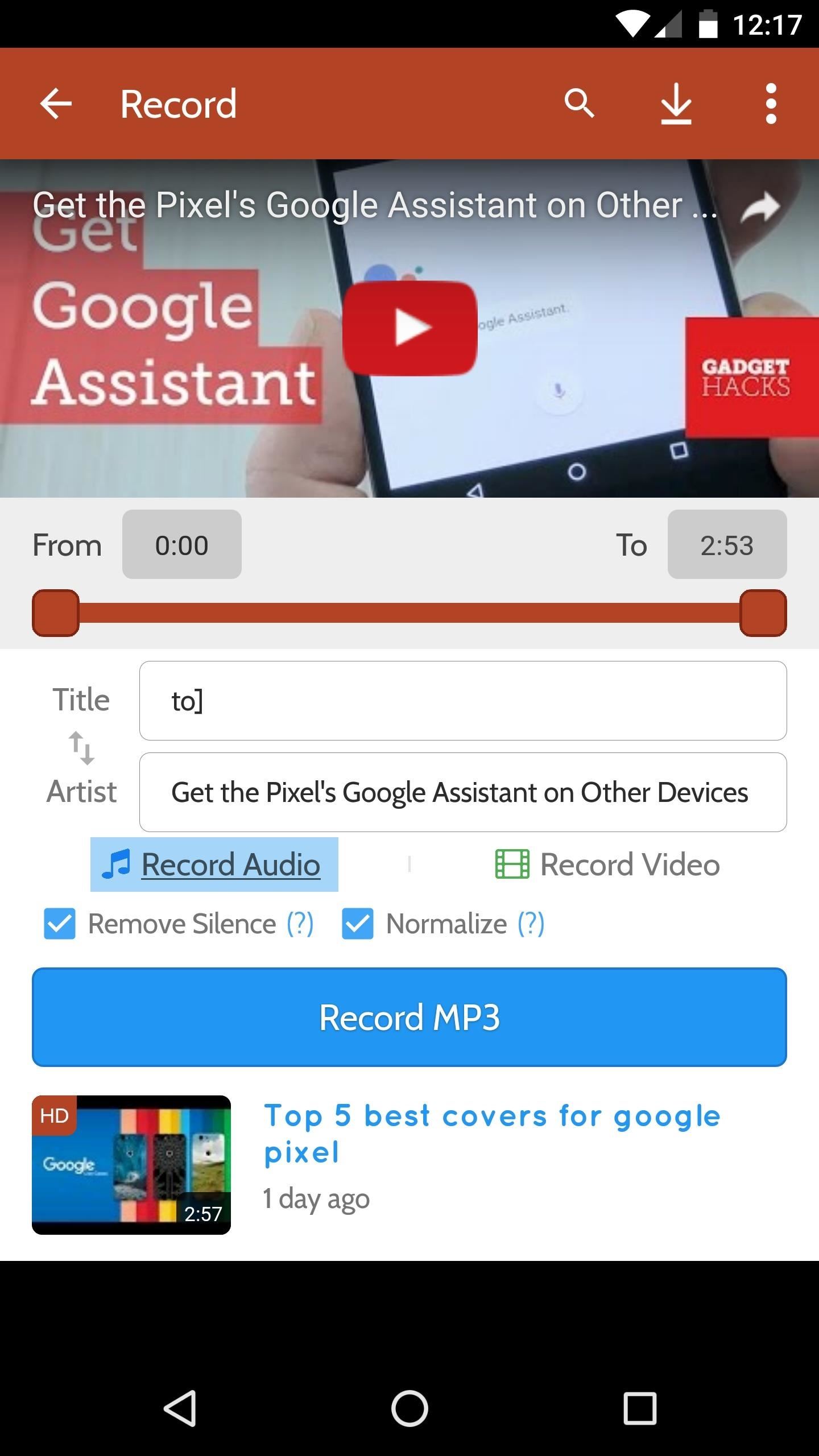

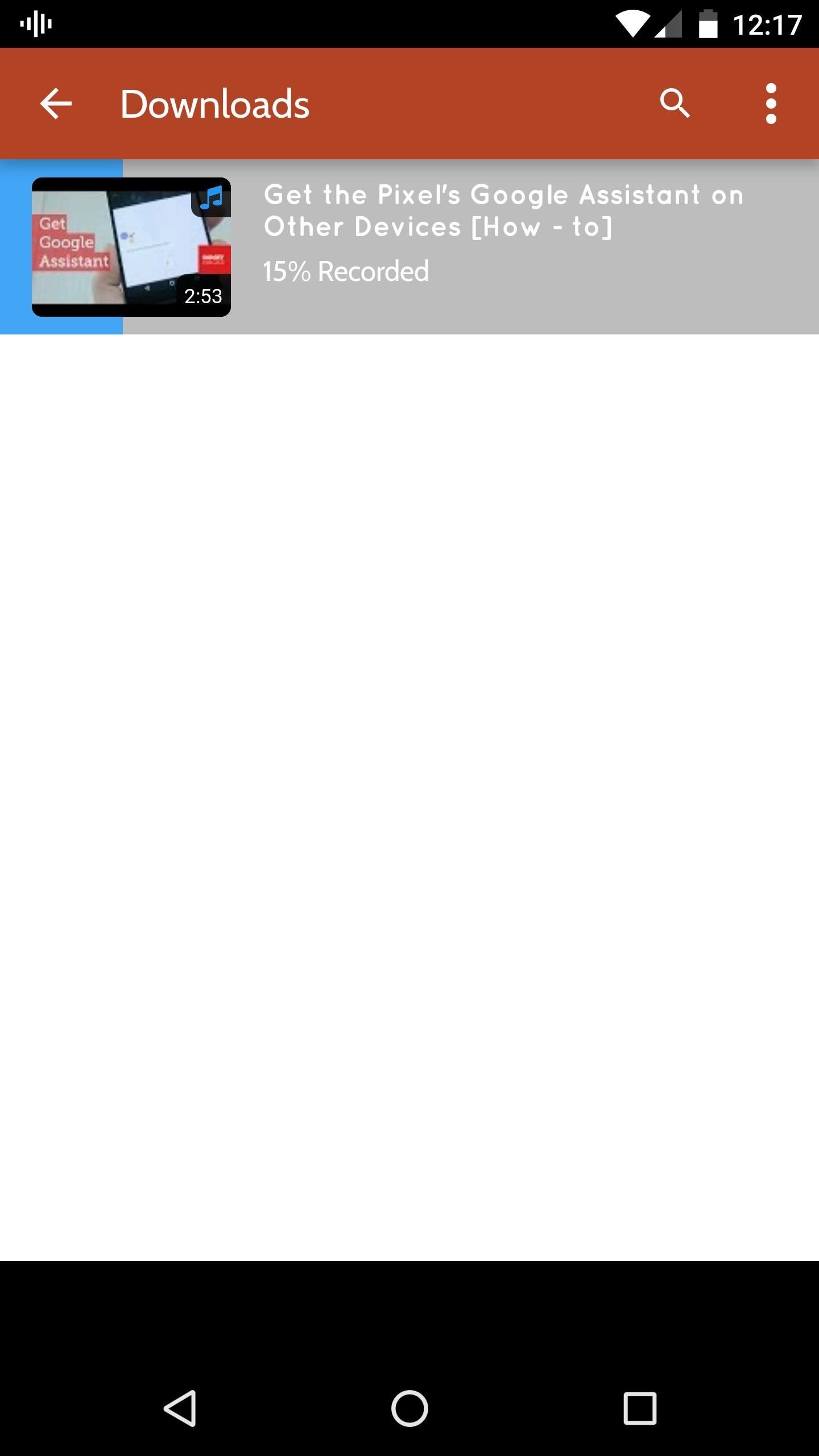
Once you've tapped the record button, the video or MP3 will start downloading automatically. You don't have to keep the app open in the foreground, but Peggo's amazingly fast, so the files will download in no time either way. When it's finished, you can find your recording in the Peggo folder inside of the "Music" directory on your SD card or internal storage, and it should play in any music or video app on your phone.

Have fun! But, again, beware ripping copyrighted videos and audio.
Who needs a wand? Unlock your magical powers and transform yourself from a Muggle into a Wizard or Witch just by using your Android phone. See how:




Be the First to Comment
Share Your Thoughts