

Transmit Audio With a Laser Pen

This article was provided by wikiHow, a wiki building the world's largest, highest quality how-to manual. Please edit this article and find author credits at the original wikiHow article on how to transmit audio with a laser pen. Content on wikiHow can be shared under a Creative Commons License.

Grade C Views 971
Last edited 2 months ago

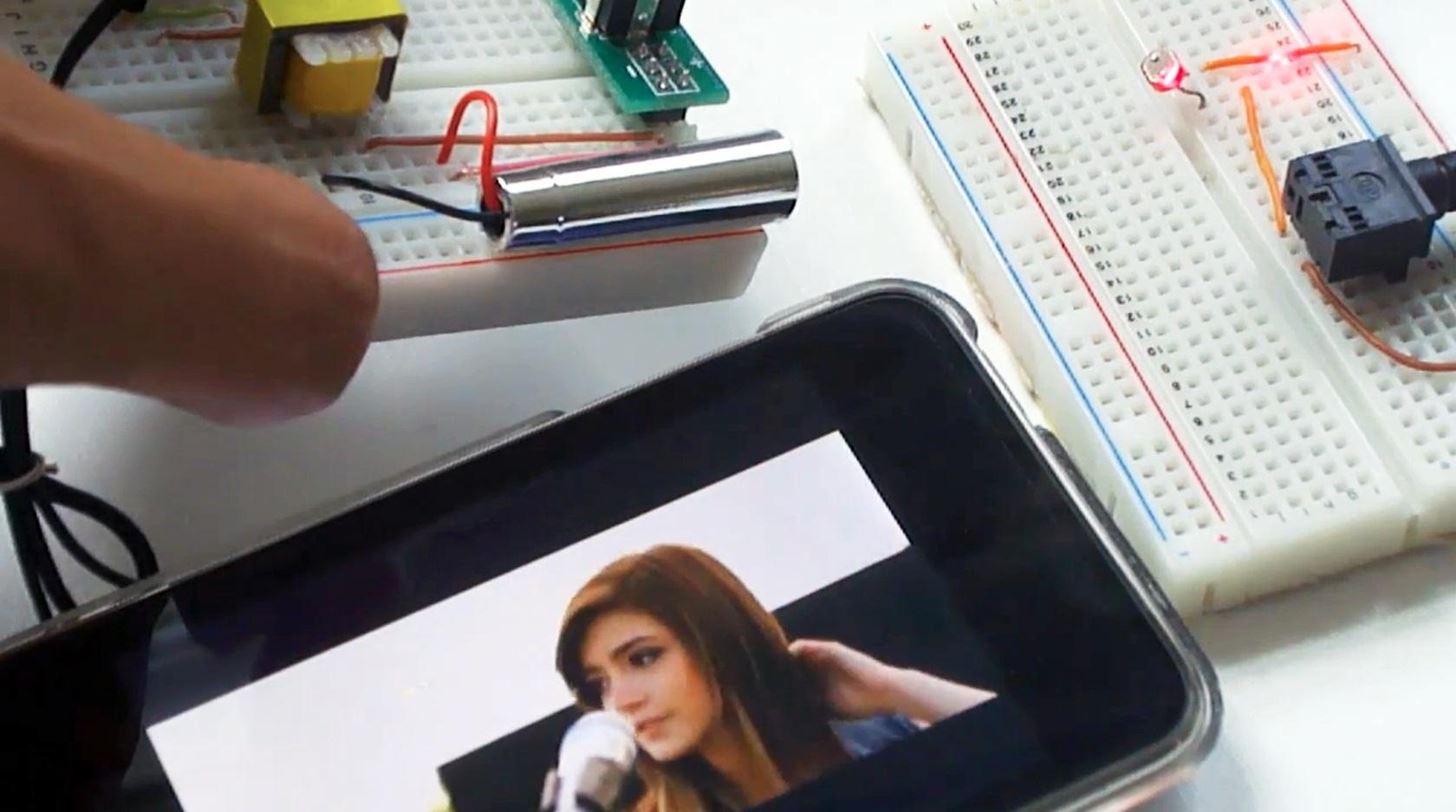
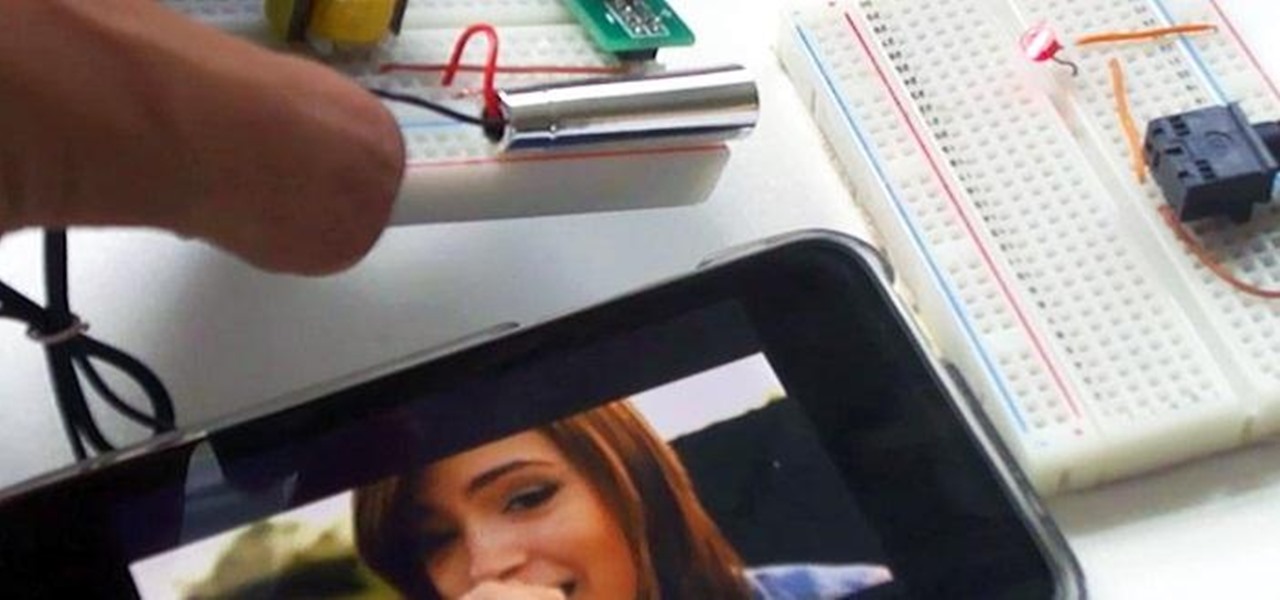
Using a simple laser pen pointer, a few misc parts, and about 15 minutes, you can make a simple laser communicator that converts a sound source into light that travels across a room, and back into sound with very little quality loss.

Things You'll Need

  • For the Transmitter:
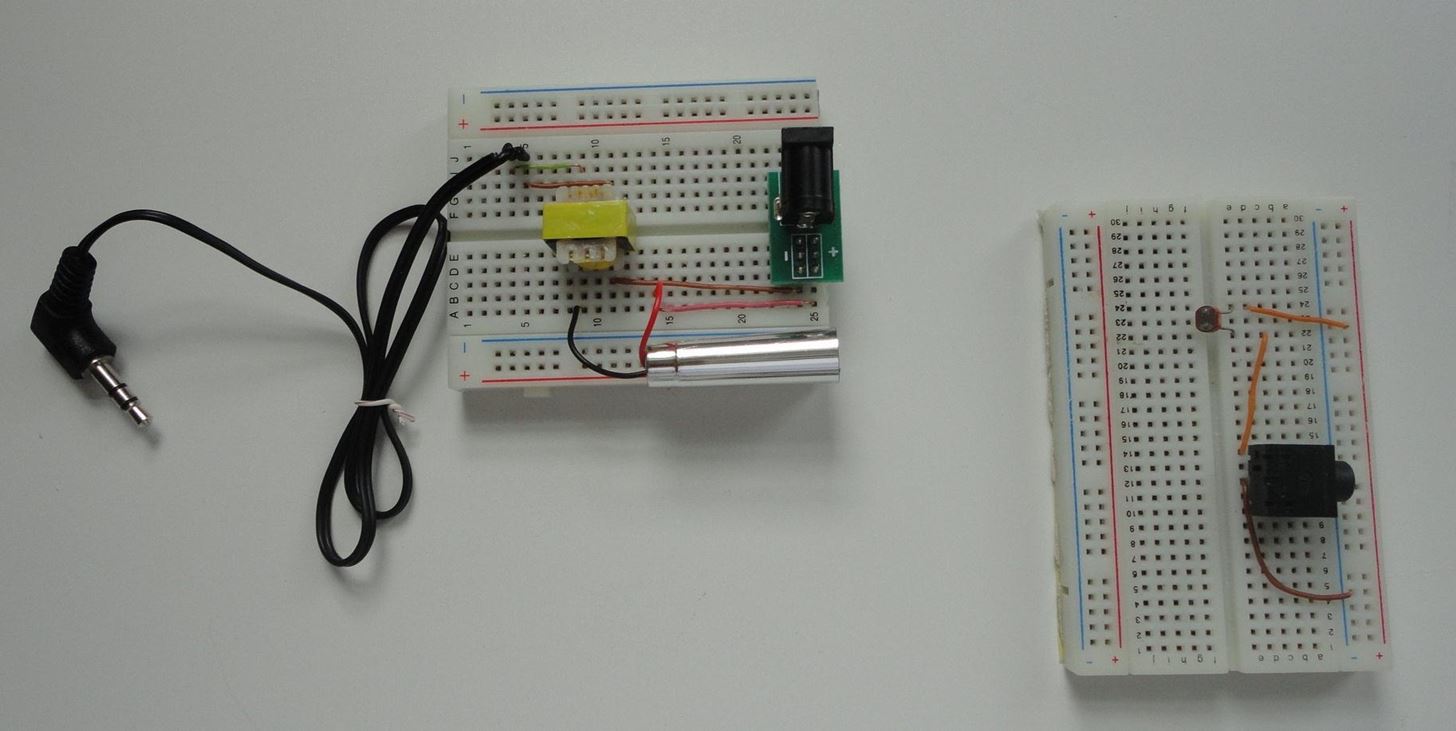
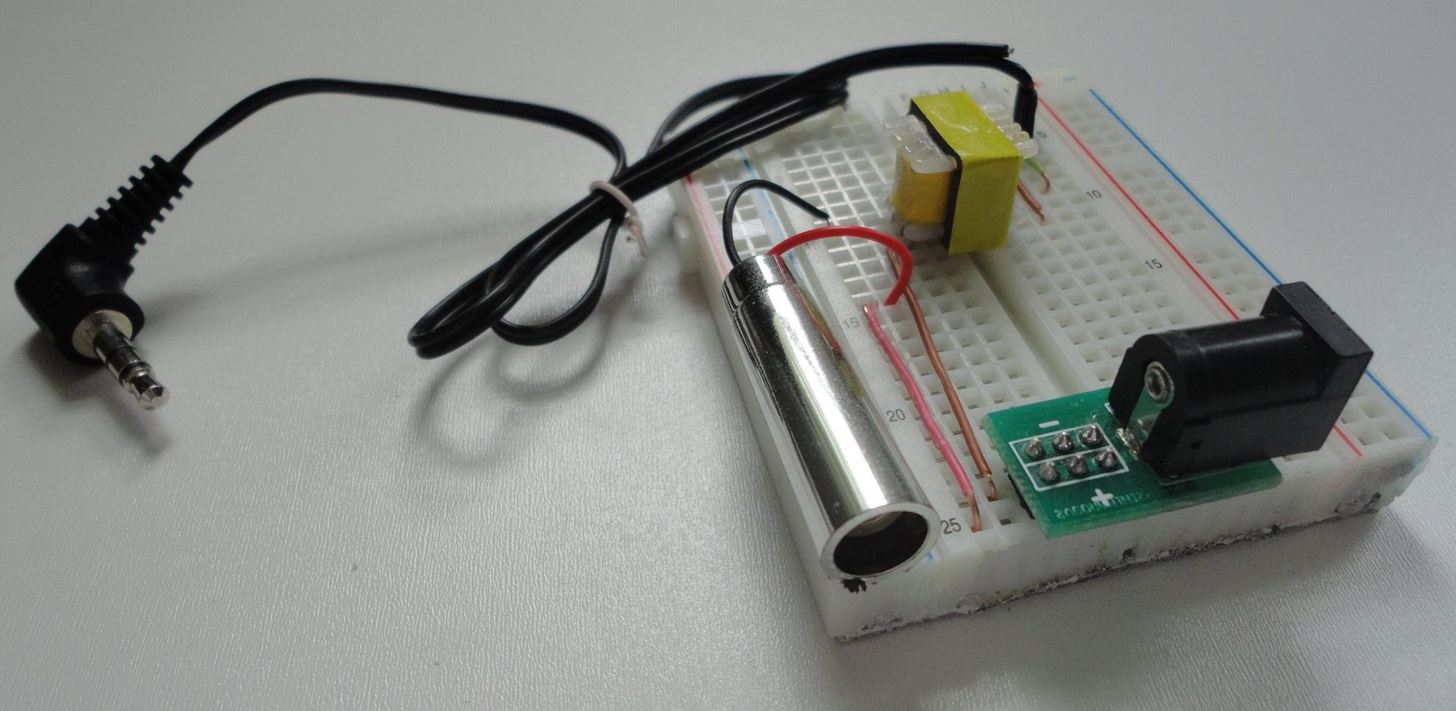
    A cheap laser pen pointerA battery holder that holds the same voltage as the laser needs. (Often 3 cells)A transistor radio or sound sourceAn earphone jack that fits your sound sourceA transformer of the type known as an audio output transformer. It consists of an 8 ohm coil and a 1000 ohm coil. (Radio Shack 273-1380)Some clip leads (wires with alligator clips on the ends) to put it all together. At least one of the leads should be the type with a long, slender point (to connect to the inside of the laser)
  • For the Receiver:
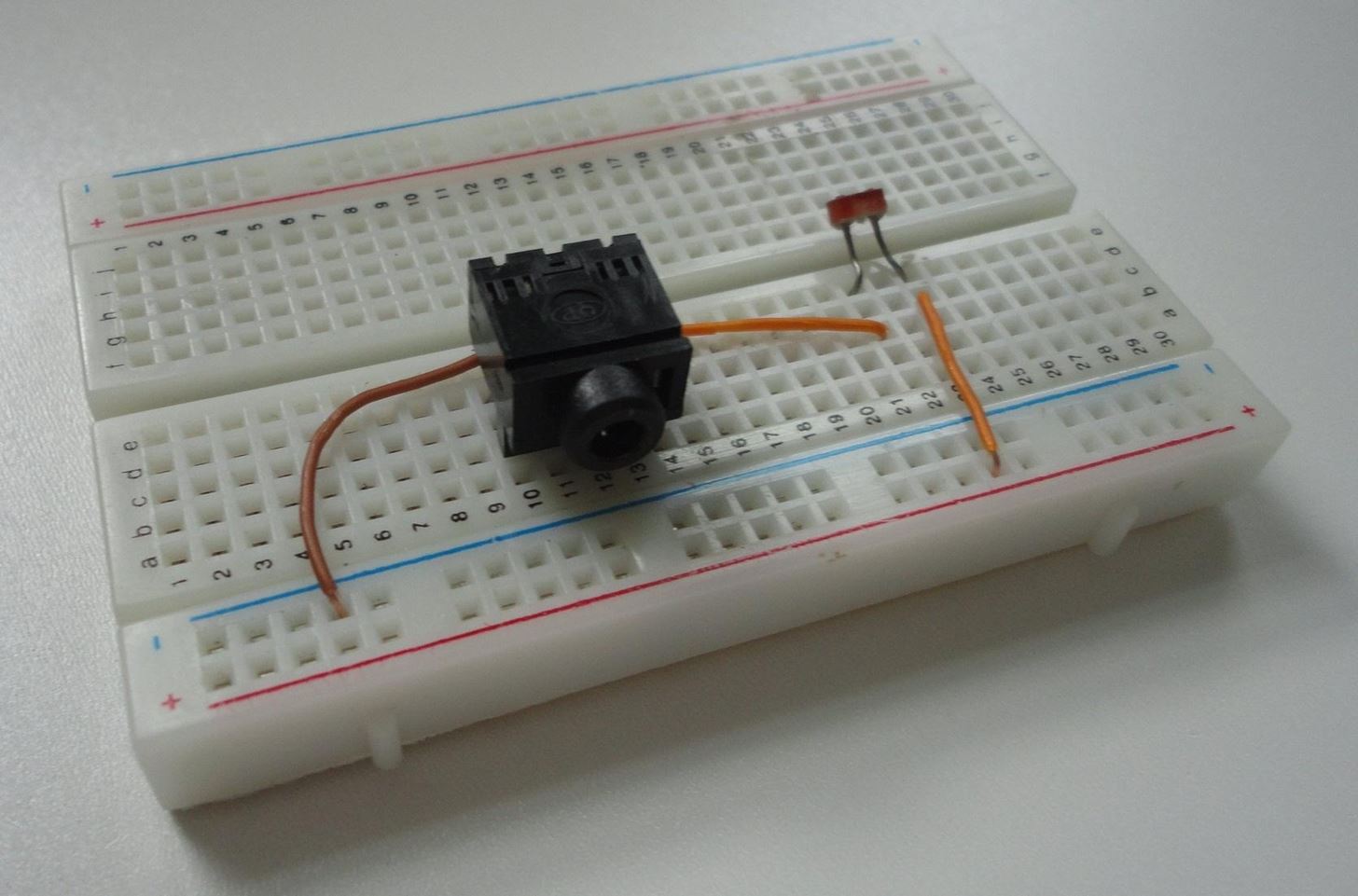
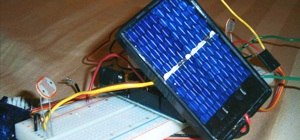
    A small solar cell (Radio Shack 276-124) or photo resistor + battery (as shown below)A mono microphone jack that will fit the phono input of your stereo

Step 1  

Read Things You'll Need

Step 2  

Remove all batteries from the laser.

Step 3  

Connect a clip lead to the inside of the laser pointer where the battery touched. Usually there is a small spring to which you can attach the clip lead. The other end of the battery usually connects to the case of the laser. Since there are many different styles of laser pointer, you may have to experiment with clip lead placement to get the laser to work with the new external battery pack. You may also have to hold down the laser's push button switch by wrapping a rubber band or some wire around it. Test the connection before you attach the transformer, to make sure the laser works with the new battery pack. If it doesn't light, try reversing the battery. Battery reversal will not harm the laser.

Step 4  

Connect the 1,000 ohm side of the transformer between the battery and the laser. The 1,000 ohm side of the transformer has three wires coming from it. We only use the outside two wires. The inside wire is called a center tap and we do not use it in this circuit. Test the laser by attaching the battery. The laser should operate normally at this point.

Step 5  

Connect the earphone jack to the 8 ohm side of the transformer. The schematic of the transmitter looks like this:


Step 6  

The receiver is the simplest part. You simply connect the solar cell to the microphone jack, and plug it into the amplifier or stereo phono input. It does not matter which way the wires are connected to the solar cell. Here is the schematic of the receiver:


Step 7  

Make sure the transistor radio is turned off, and the laser is on. Plug the earphone jack of the laser into the earphone socket of the radio.

Step 8  

Connect the solar cell to the amplifier or stereo, and turn the volume up until you hear a hissing noise, then turn it down slightly until the hiss isn't noticeable. The volume control should be fairly high, corresponding to an ear splitting level if it was playing music.

Step 9  

Aim the laser across the room so it hits the solar cell. You might hear clicks or pops coming from the stereo or amplifier as the laser beam passes over the solar cell. This indicates that everything is working fine at this point.

Step 10  

Now carefully turn on the radio and slowly adjust the volume until you hear the radio station voices or music coming from the amplifier across the room. The radio should be just audible if the earphone jack is pulled out, not loud. If you can't hear the sound from the amplifier across the room, make sure the laser is shining on the solar cell, then try increasing the volume of the amplifier before you increase the volume of the radio.

Step 11  

At this point you should be hearing the radio station coming in loud and clear in the amplifier across the room. Put your hand in front of the laser beam to break the connection, and notice that the music stops.

Tips

  • Make sure your laser pointer does a dot instead of a shape, like an arrow.

Warnings

  • WARNING: A laser pointer will damage your eyes if you look directly into the beam.
  • Lasers can set things on fire. Keep them away from flammable liquids.

Via wikihow

Knit the Periodic Table

Science geeks everywhere: the ultimate knitting pattern. Creator apinnick made this amazing sweater displaying the Periodic Table of Elements for her husband, a microbiologist working in the ...

Ignite Prey and Light Cigarettes With a Laser Burner

Looking for an (explosively) fun Thanksgiving project this week? Something that involves fire and lasers? Check it out. YouTube creator StyroPyro lights ten matches in 9 seconds with a modded laser ...

Repair the World One (LEGO) Brick at a Time

Jan Vorman has installed quick LEGO-fixes all over the world - from Italy to Germany to Israel to Holland. Jan's "Dispatchwork" work creates a contemporary twist: colorful LEGO-street-art ...

DIY Ocular Assault Weapon

The latest in Graffiti-tech: How to write with your eyes. Via Instructables, "Behold the latest ocular assault weapon from the Graffiti Research Lab, openFrameworks, The Fat Lab and The Ebeling ...

Retro Electronics Papercraft For the Brazil '66 Crowd

Dan McPharlin has created some super-sweet retro electronics papercraft models. Click through to Dan's Flickr page to view the entire collection. Beautiful handmade cardboard models. Previously ...

loading...