


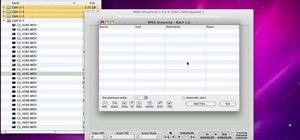
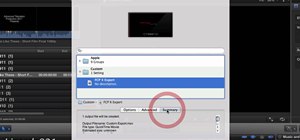
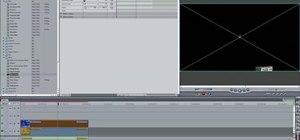
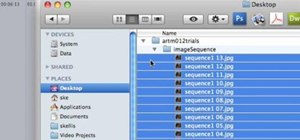
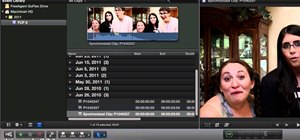
In order to be able to work with Canon DSLR footage (as from a 5D Mark II or 7D), you need to convert the h.264 into a more edit friendly format such as Apple ProRes 422. This tutorial shows you in detail how to ingest and convert this footage.
Just updated your iPhone? You'll find new emoji, enhanced security, podcast transcripts, Apple Cash virtual numbers, and other useful features. There are even new additions hidden within Safari. Find out what's new and changed on your iPhone with the iOS 17.4 update.

2 Comments
You can also try software called Aunsoft Video Converter for Mac which gives full support for Apple ProRes 422, ProRes HQ, ProRes 444. At least It works fine for me. : )
Hope it helps!
Thanks brother! This saved me a LOT of headaches. I thought I didn't record my clips correctly but H264 was the culprit. Awesome tutorial. Mark
Share Your Thoughts